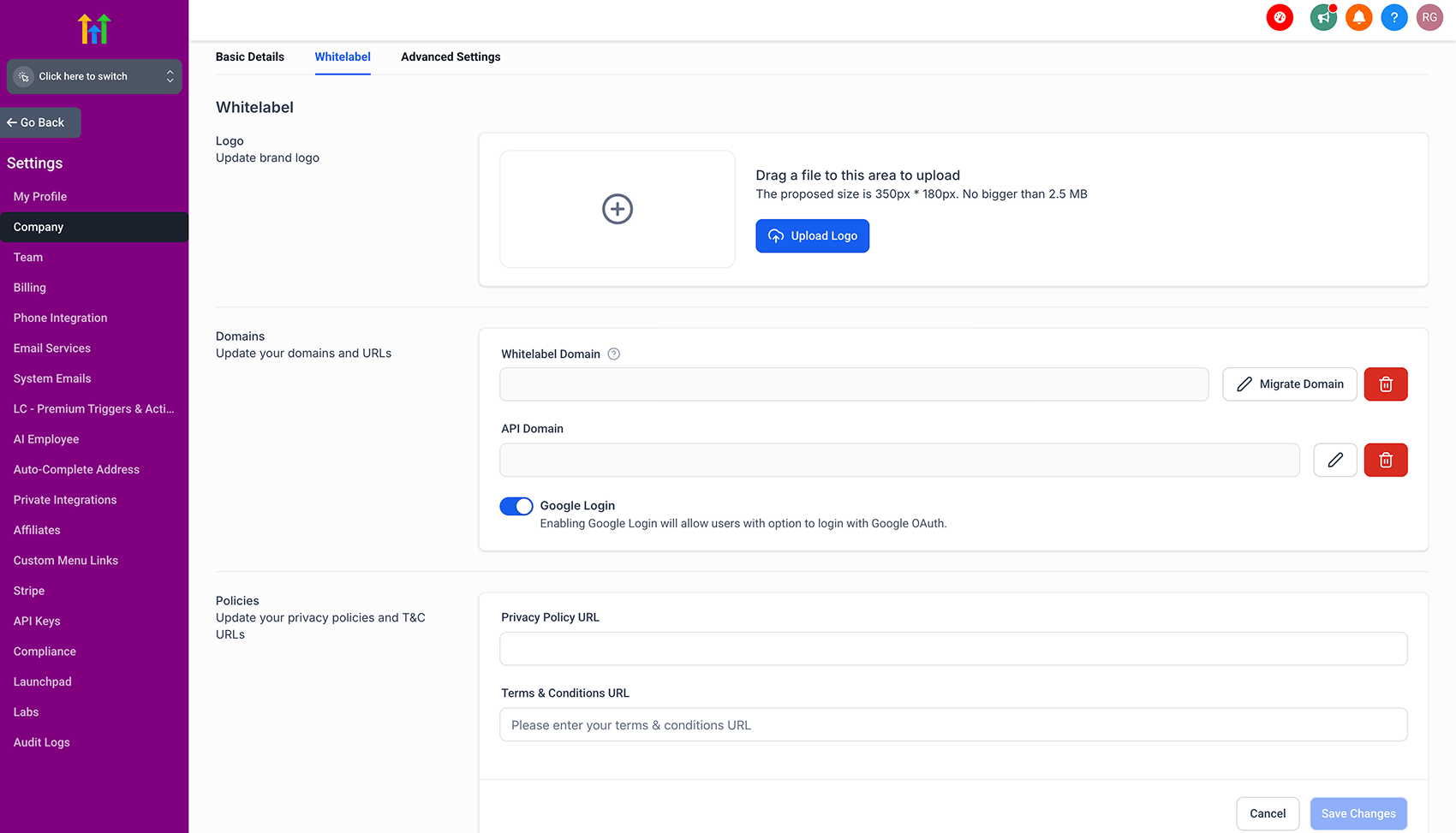
Google Login for WL agencies
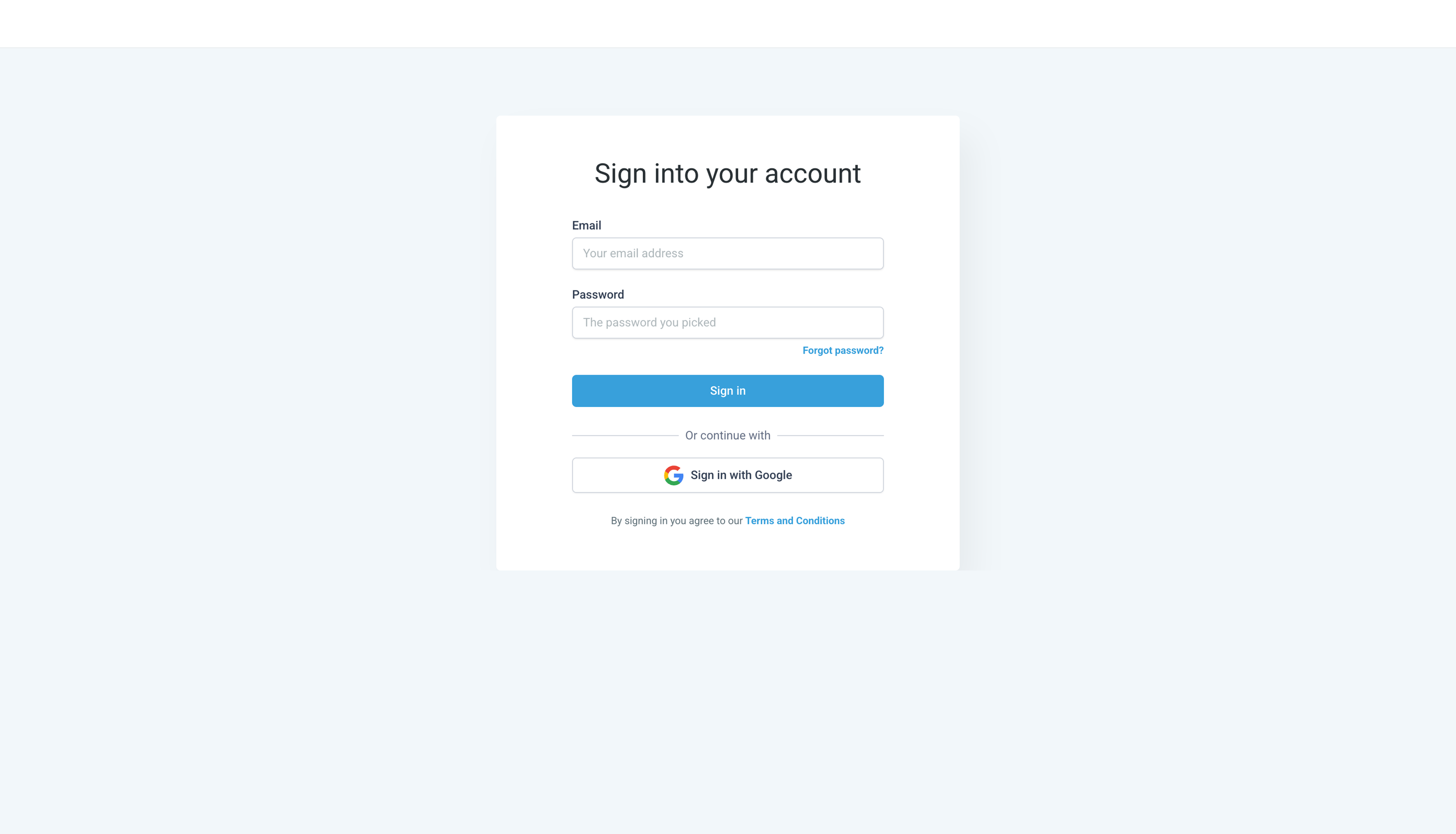
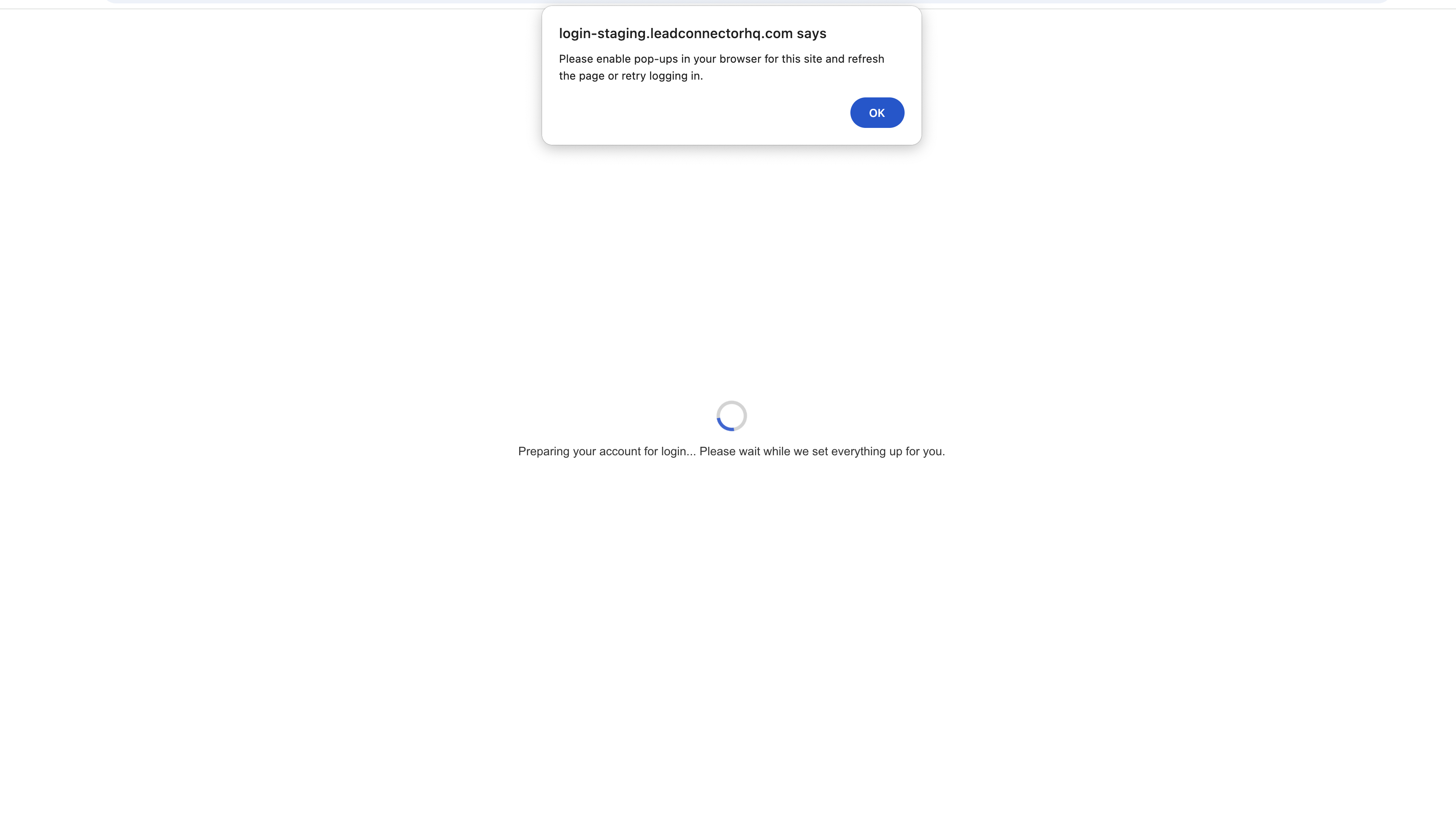
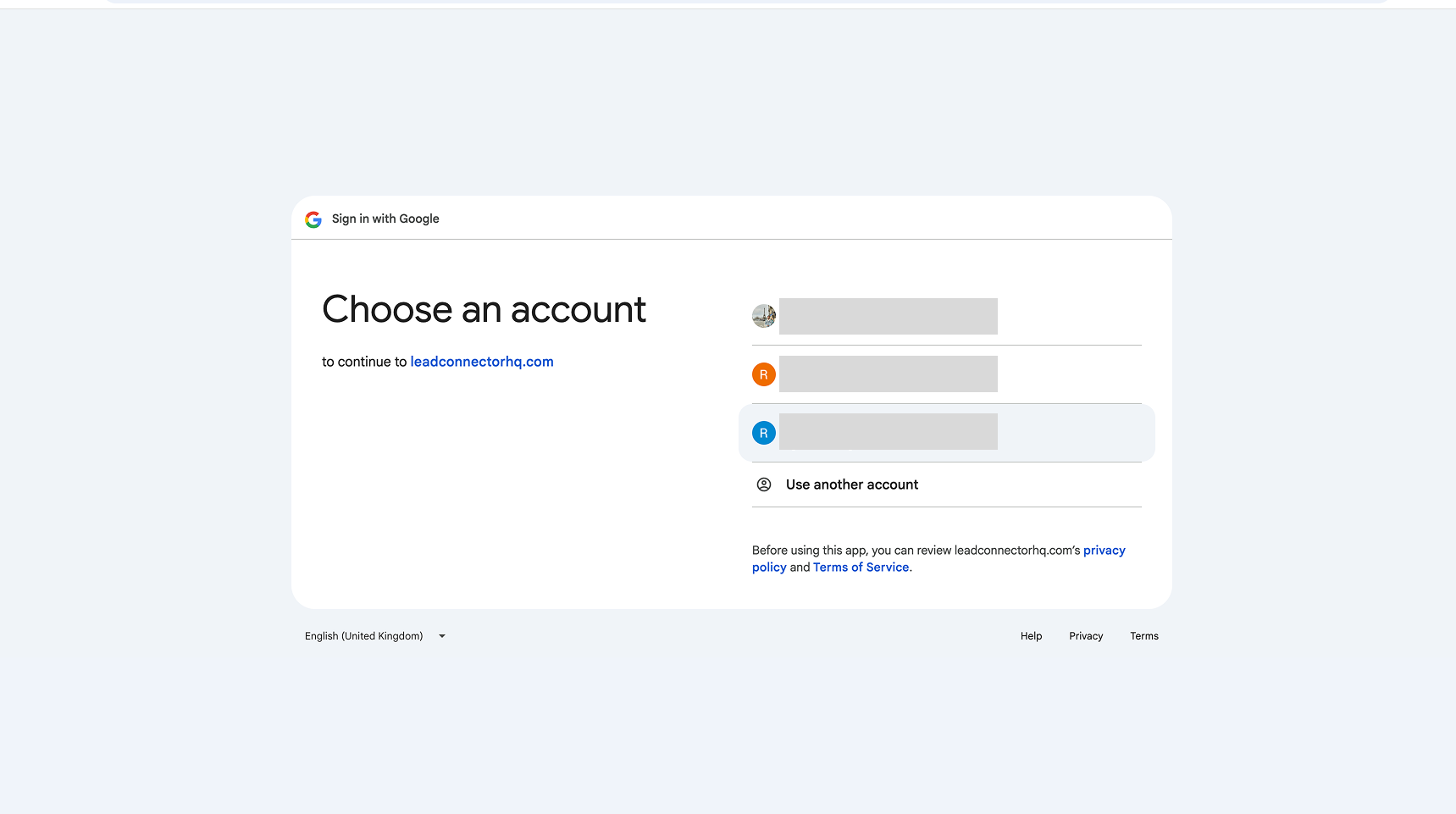
https://login.leadconnectorhq.com/google?origin=<your whitelabel domain> - Allow pop-ups for the above URL in your browser. > This is a one-time action per browser and is required for the Google OAuth window to appear properly.!(https://assets.patientcopilot.ai/0dba13df7f67d42d.png) - Once pop-ups are enabled, the Google OAuth screen will appear. - Select the Google account that is registered with the corresponding WL agency. - If the selected account is not associated with the agency, an error message will be shown: > “User does not exist”!(https://assets.patientcopilot.ai/b80757c889a56ed8.png) - Upon successful authentication, the user will be redirected back to the login screen and signed into their account. ## Custom CSS: - The addition of the new CTA will not impact any existing CSS implementations. However, agency admins may need to add or adjust CSS specifically for the new CTA based on their individual use case and styling preferences. Was this article helpful? That’s Great! Thank you for your feedback Sorry! We couldn’t be helpful Thank you for your feedback Feedback sent We appreciate your effort and will try to fix the article