
Using the New Revamped Sidebar in Funnel & Website Builders
This article introduces Patient Copilot’s revamped right-hand sidebar in the Funnel & Website Builder, showcasing how its three context-aware tabs- General, Styles, and Animations- organize element controls for faster, more intuitive editing. You’ll learn what each tab offers, discover collapsible panels and persistent states that streamline your workflow, and find tips for getting the most out of the updated interface.
Understanding Collapsible Panels
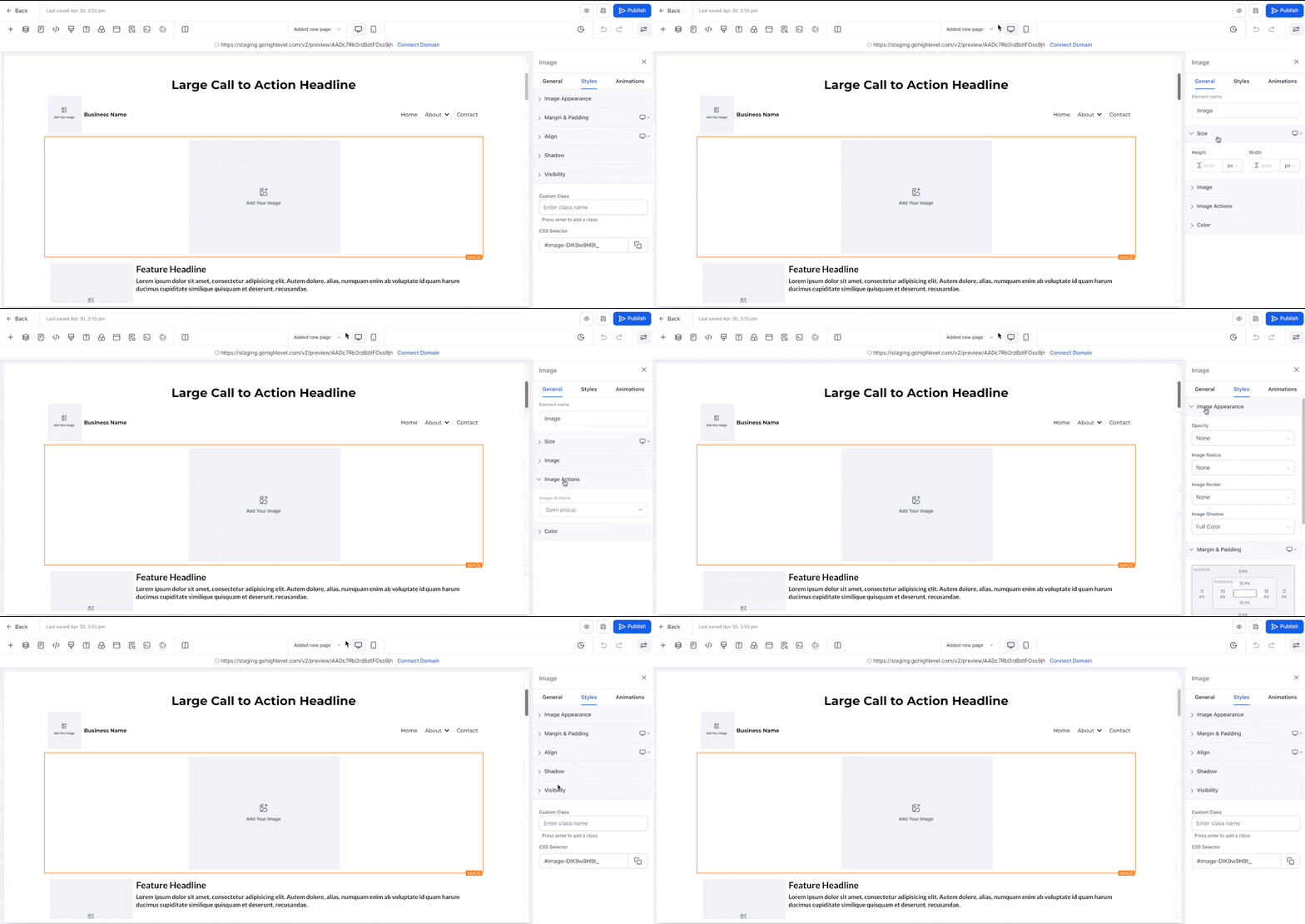
To improve focus and minimize distractions, settings within each tab are now grouped into collapsible panels.
- You can open or close individual panels as needed.
- Panels retain their state throughout your editing session.
- Advanced or less-used settings can stay collapsed for a cleaner view. This provides a more organized workspace, especially during complex builds.
Persistent Panel & Tab State Behavior
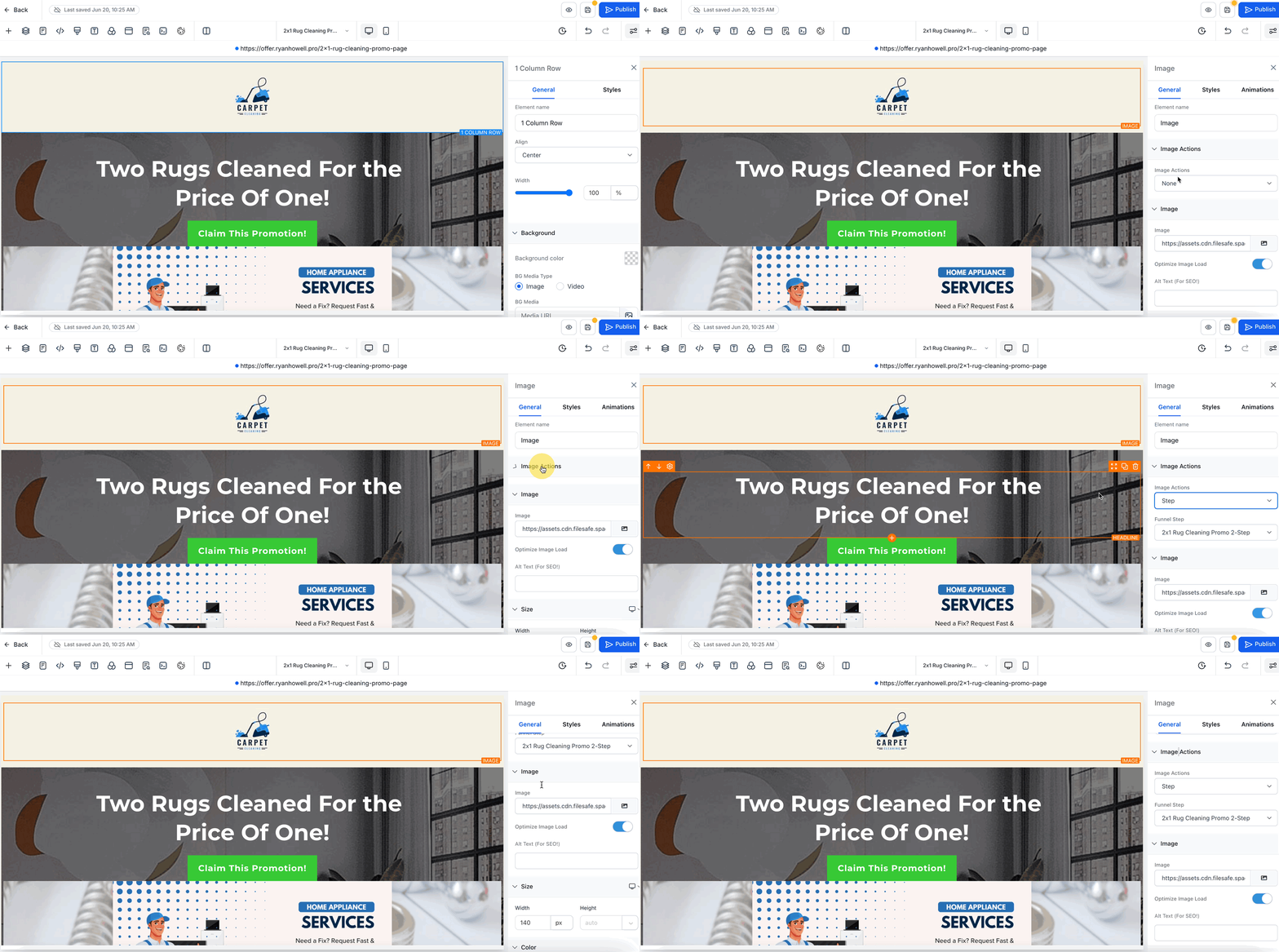
The updated sidebar improves efficiency with smart, session-based memory for tabs and panels.
- Tab memory: The last active tab remains selected when switching between elements.
- Panel memory: Collapsed or expanded states persist as you move through elements.
- New element behavior: When adding a new element, all panels open by default to help with quick access. These enhancements eliminate the need to repeatedly open panels or tabs, saving time during design iterations. ****
UI Enhancements and Styling Improvements
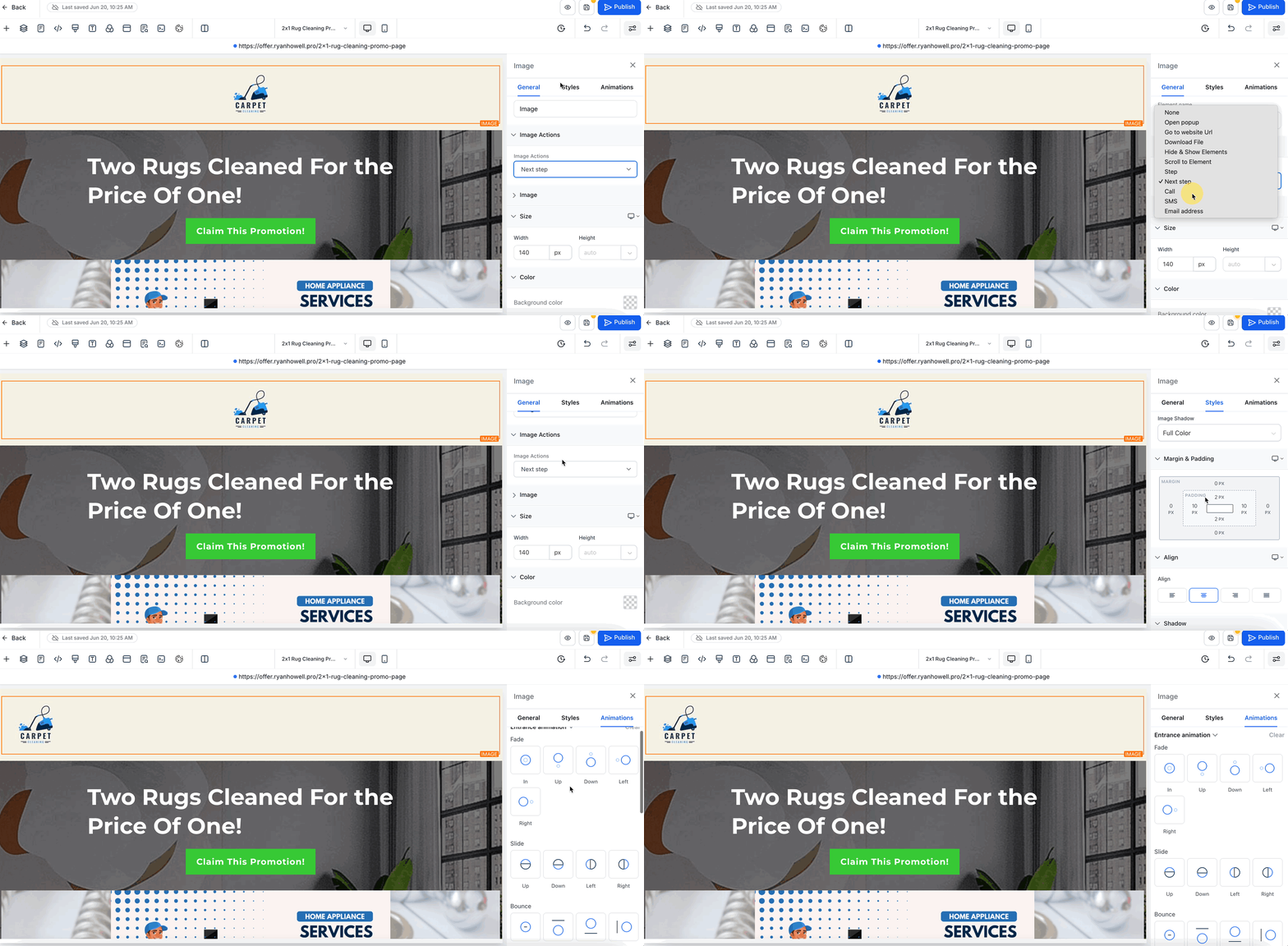
This revamp introduces a minimal, modern aesthetic that aligns with Patient Copilot’s broader interface improvements.
- Reduced visual noise with improved spacing and layout.
- Uniform styling and spacing between controls.
- Cleaner typography and simplified icons.
- Consistent design patterns across the builder All of these changes aim to reduce mental fatigue and help users stay focused while designing funnels and web pages.
Frequently Asked Questions
Q: Will this update affect my existing funnels or website styling?
No. Your live designs remain unchanged. This update only improves the design interface. Q. Will my previous settings be affected? No. Only the sidebar’s UI layout changes; your element settings remain intact. Q: Does the new sidebar impact performance? Yes, positively. The layout is optimized for smoother navigation and faster adjustments. Q. Are there new design controls in this update? No. This initial release focuses on UI/UX enhancements; new controls are planned later.
Next Steps - Begin editing elements using the new tab structure to get familiar with the flow.
- Collapse panels you use less frequently to create a cleaner workspace.
- Take advantage of persistent states to speed up your design sessions.