
Revamped Forms and Surveys Submissions Page
What’s new?
Expanded Column View:
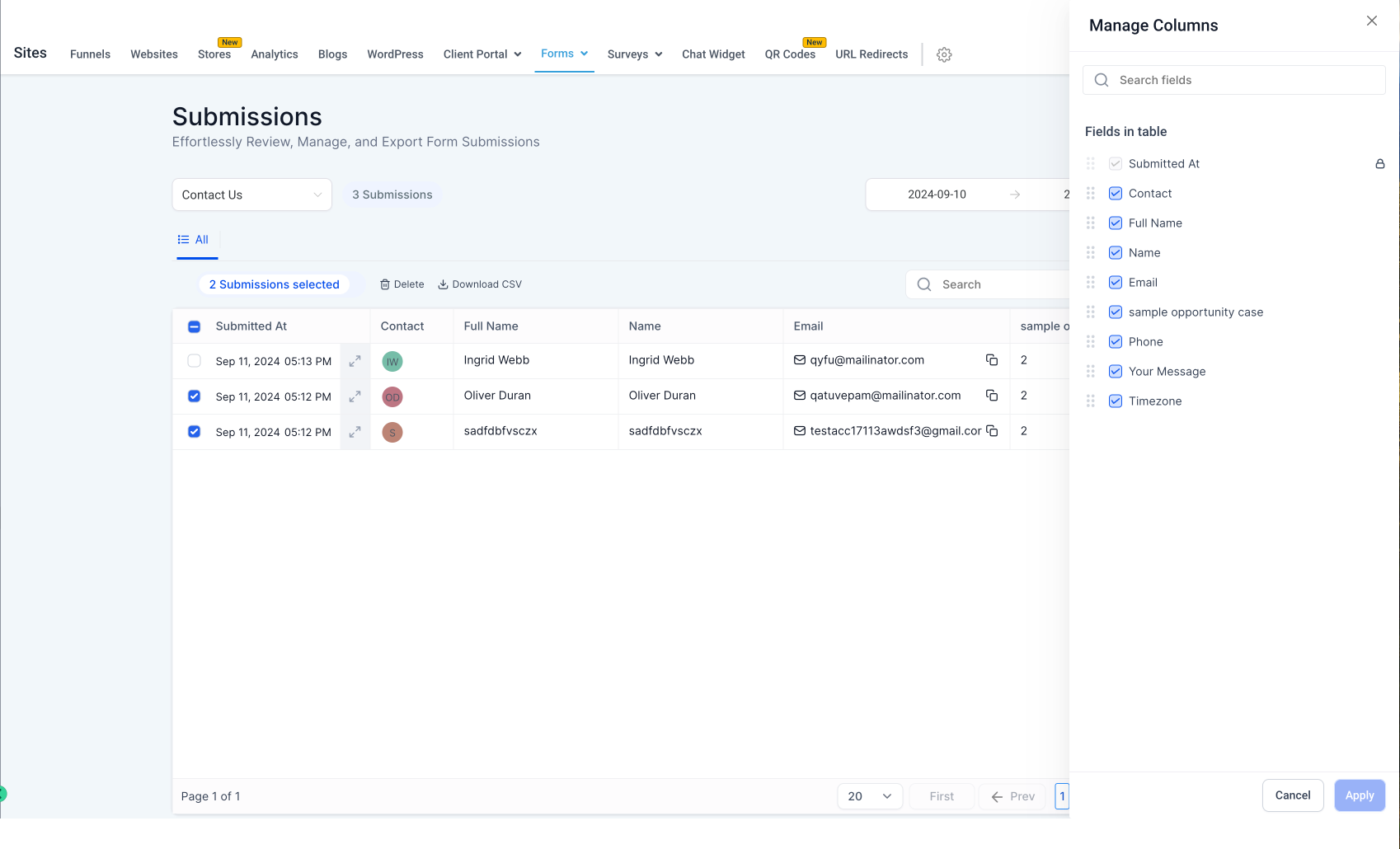
Previously, only 3 columns (such as name, email) were displayed. Now, all the columns of the form submissions are visible. Dynamic Columns: Users can now select, deselect, and reorder the columns to view the data in the order they prefer. Users can now copy phone numbers, emails, and also have the ability to redirect to URLs directly from the table.
- Navigate to Sites > Forms > Submissions
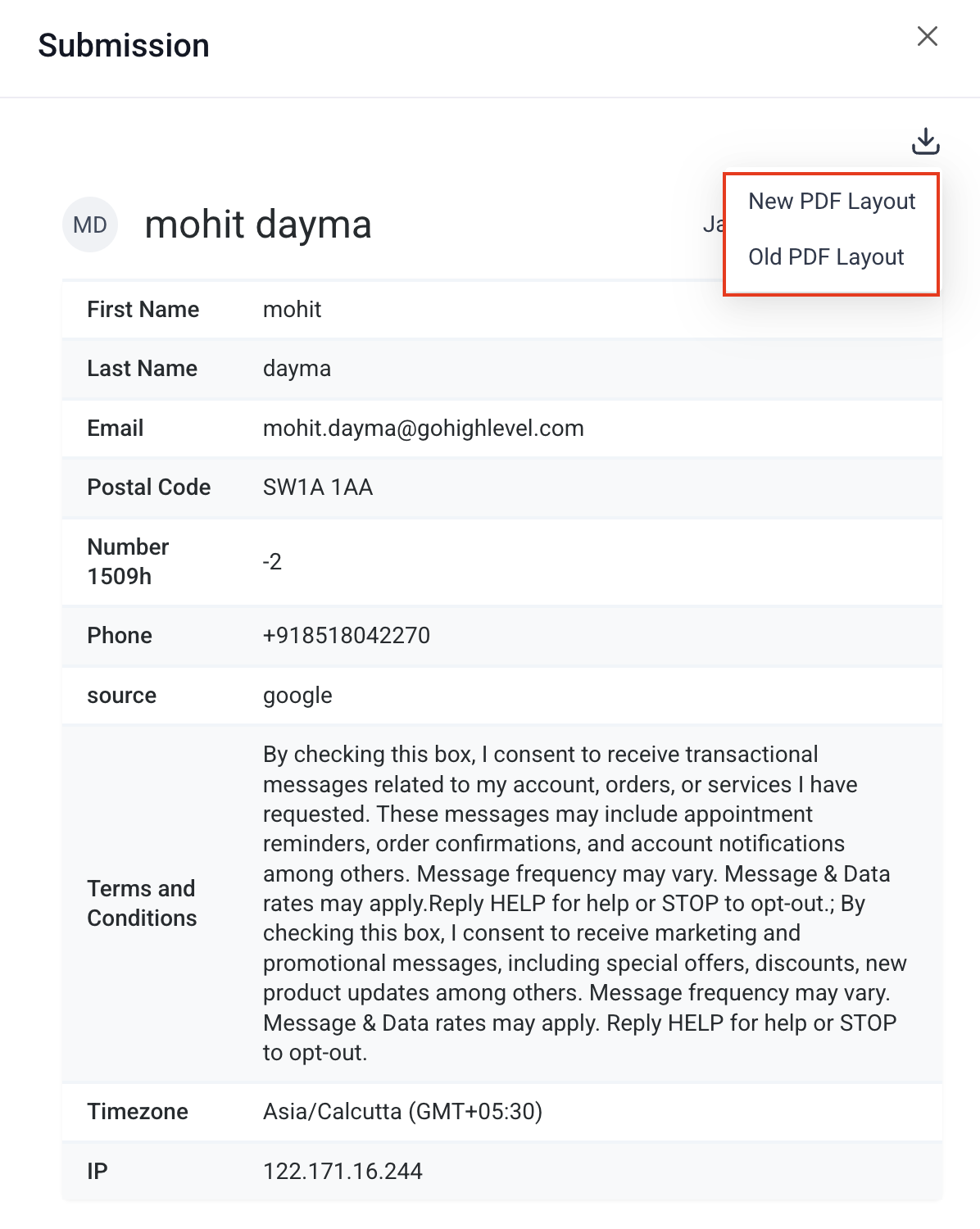
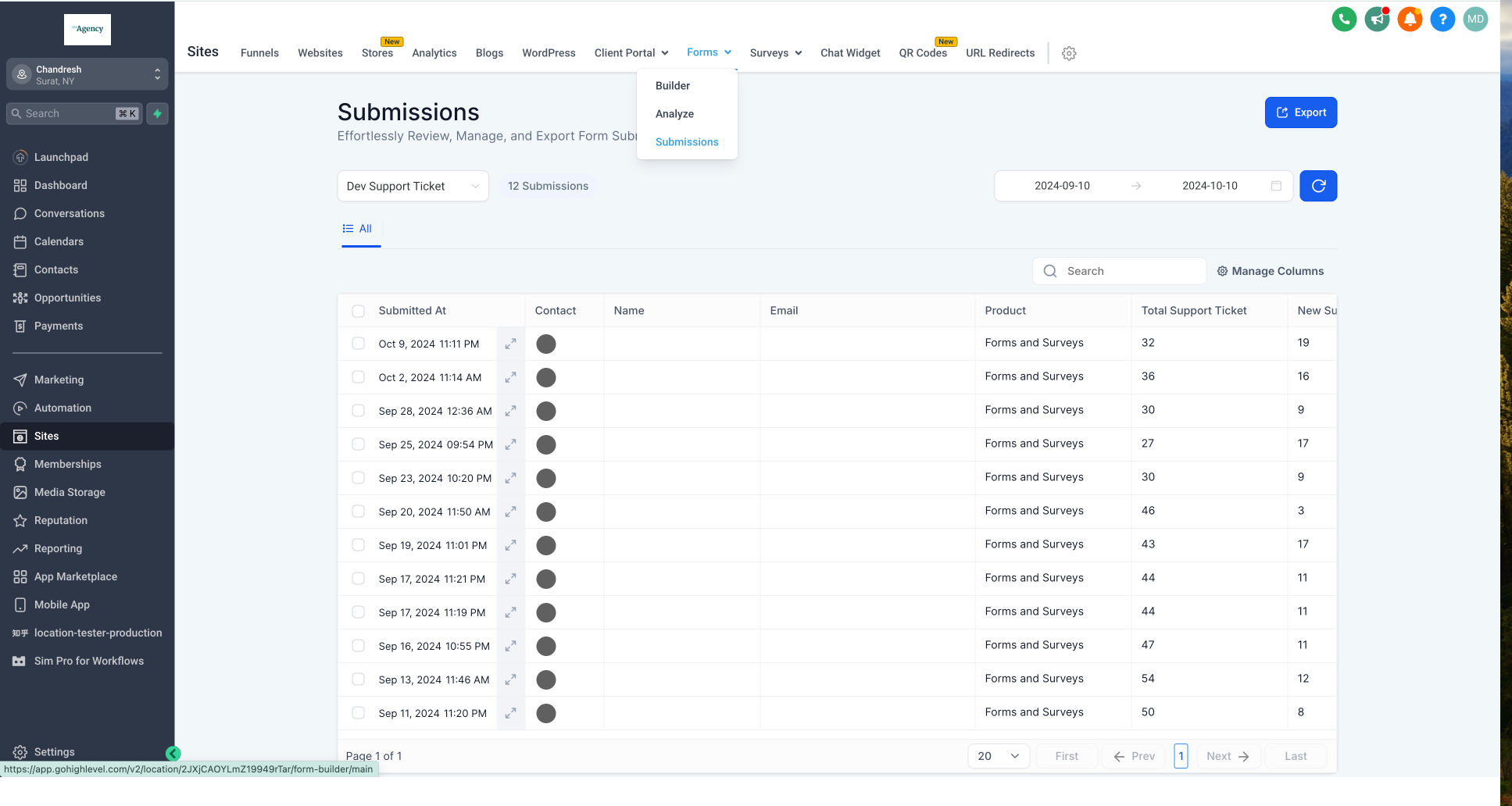 - Click the expand icon to view an individual submission. Then use the PDF download dropdown to choose:
 - New PDF Layout (cleaner, optimized for on-screen viewing and sharing)
- Old PDF Layout (matches the previous format)
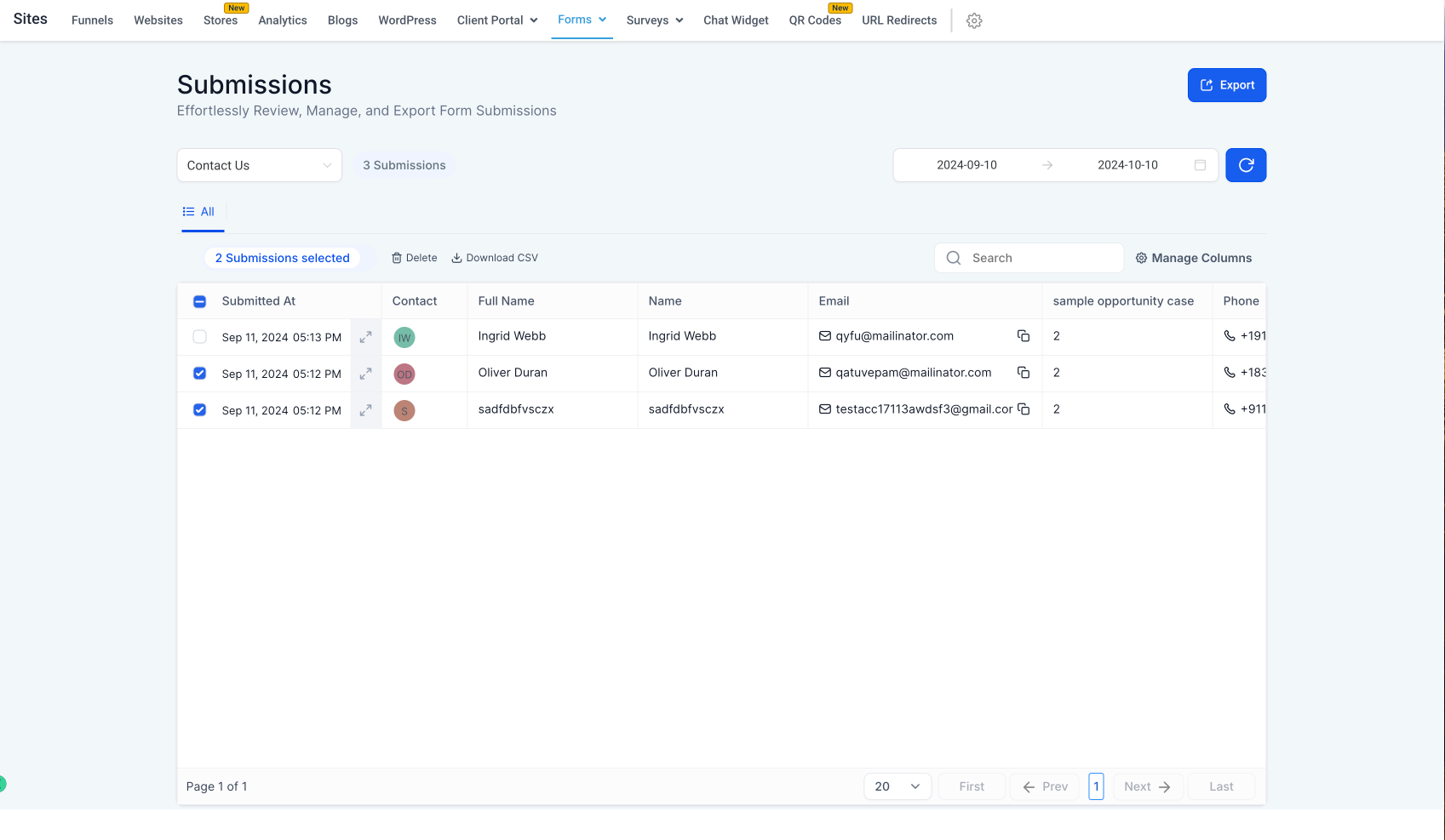
- Select form submissions to download (in CSV format) or delete entries
 - Manage table view by clicking on manage columns and selecting/deselecting fields for columns
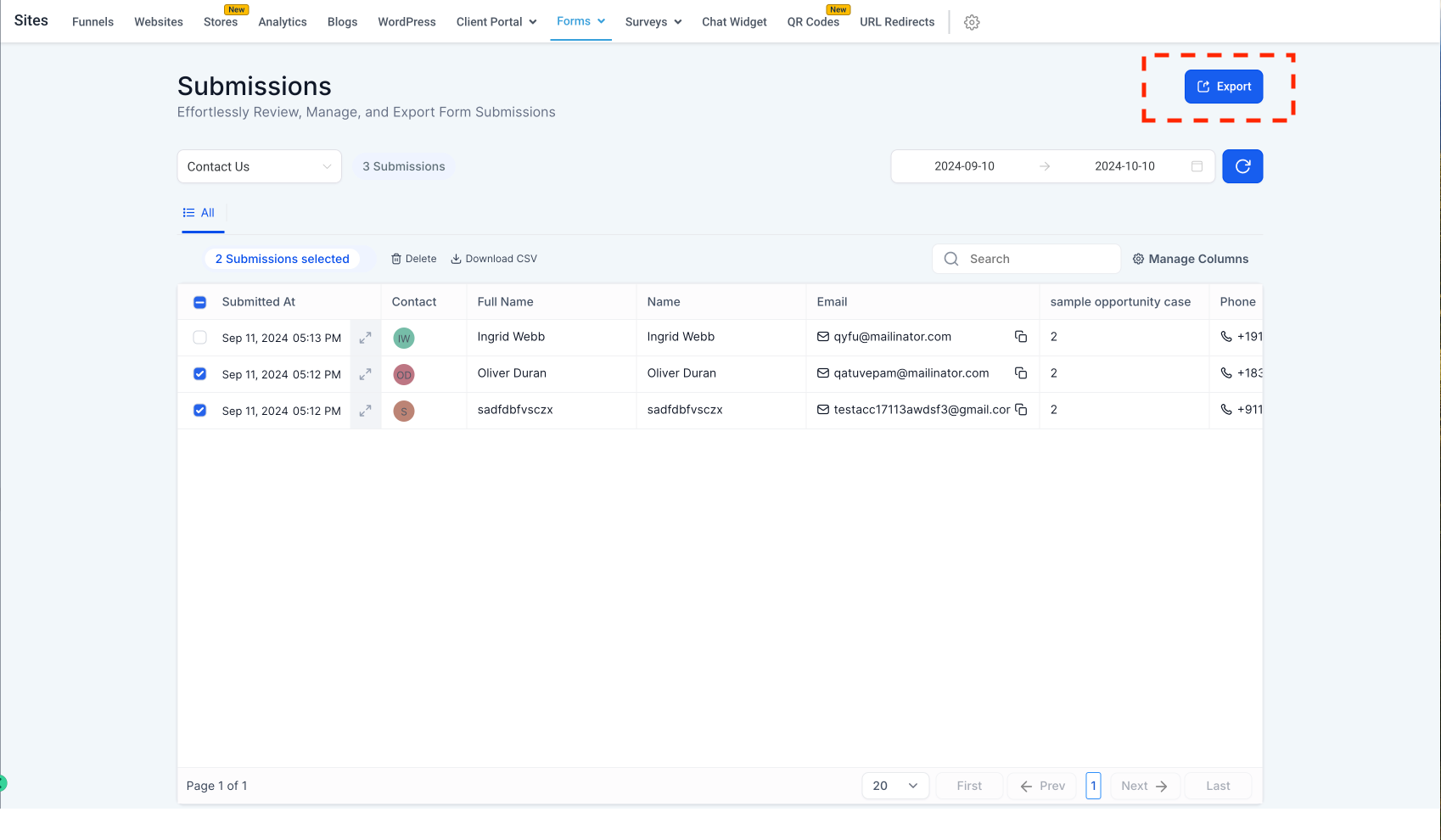
 - Export all form submissions in CSV format from the ‘Export’ button
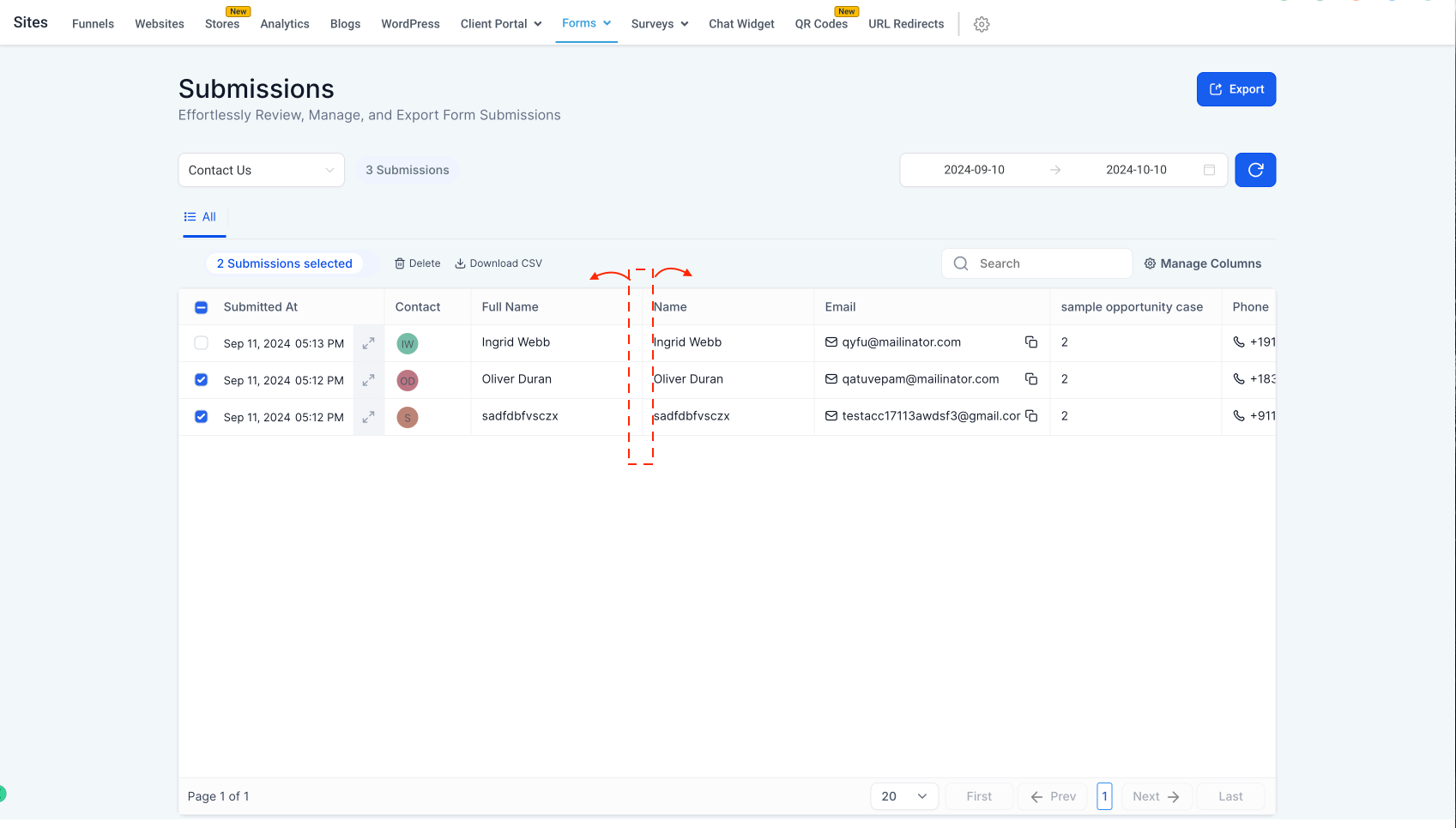
 - Adjust column width in the table view by expanding edges
 Was this article helpful? That’s Great! Thank you for your feedback Sorry! We couldn’t be helpful Thank you for your feedback Feedback sent We appreciate your effort and will try to fix the article