
Workflow Action - Remove Contact Tag
Overview The Remove Contact Tag action is used to remove specific tags from a contact’s profile within your CRM. This action is useful for managing contact segments, updating contact status, and ensuring accurate tracking of interactions and behaviors.
Action Name Remove Contact Tag
Action Description
This action removes the selected or all tag(s) from a contact’s record. Tags are often used to categorize contacts based on their interactions, interests, or status. By removing a tag, you can alter a contact’s segmentation and the workflows they may be a part of.
Action Details
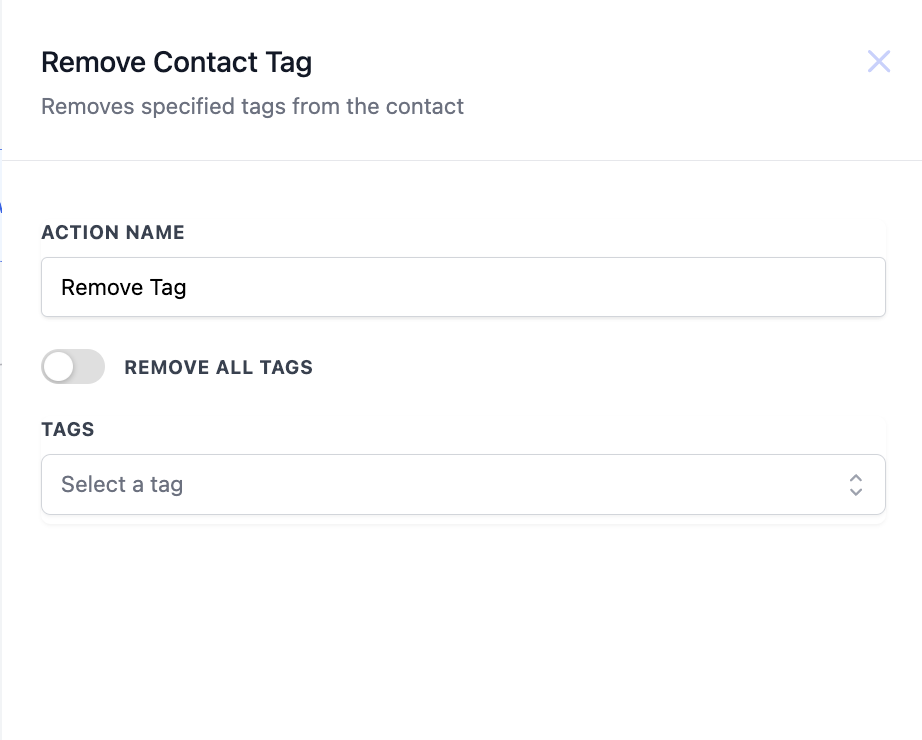
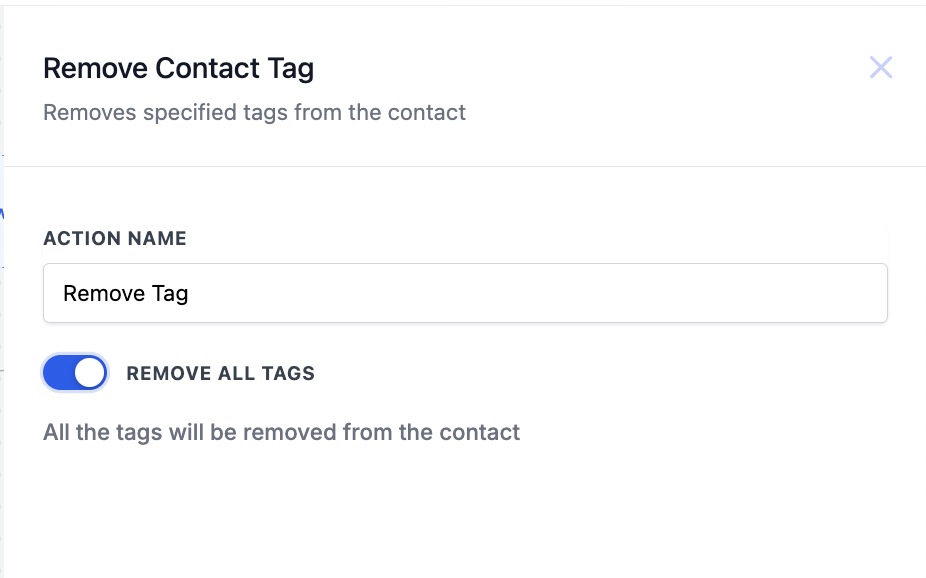
| Field Name | Description | Mandatory |
| Tags | Select the tag(s) you wish to remove from the contact's profile. You can choose multiple tags. | Yes |
| Remove All Tags | Switch on the toggle if you want to remove all the tags | No |
Example Configuration Example:
You are running a campaign where contacts are tagged as “Interested” when they sign up for a webinar. If they do not attend the webinar, you want to remove this tag to avoid sending them follow-up emails intended for engaged participants.
- Action Name: “Remove Webinar Interested Tag”
- Tags: “Interested” Workflow Steps:
- Trigger: Webinar Not Attended - Triggers if a contact does not attend the scheduled webinar.
- Action: Remove Contact Tag - Configured to remove the “Interested” tag from these contacts.
- Action: Update Contact Field - Optionally, add a new tag like “Missed Webinar” to accurately segment these contacts for future follow-ups or different workflows. Was this article helpful? That’s Great! Thank you for your feedback Sorry! We couldn’t be helpful Thank you for your feedback Feedback sent We appreciate your effort and will try to fix the article