
Workflow Action - Stripe One Time Charge
Overview The “Stripe One Time Charge” action allows you to trigger a one-time charge in Stripe for a fixed amount to a specific customer within your Stripe account. This action is useful for collecting payments without requiring recurring subscriptions or payment plans.
Action Name Stripe One Time Charge
Action Description
This action triggers a one-time charge in Stripe for a set amount to a designated customer. It requires a valid Stripe Customer ID, amount, description, and currency to process the charge.
Action Details
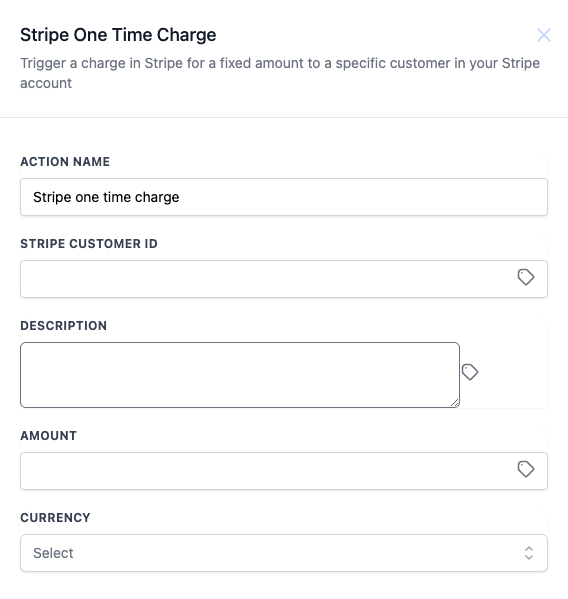
How to Configure 1. Action Name: Set a recognizable action name, such as “Stripe One Time Charge.”
- Stripe Customer ID: Enter or select the Stripe Customer ID for the customer to be charged.
- Description: Provide a brief description of the charge (optional).
- Amount: Enter the amount to charge the customer.
- Currency: Select the appropriate currency for the transaction.
Field Name Description Mandatory Stripe Customer ID The unique identifier for the Stripe customer to be charged Yes Description A description of the charge (e.g., for tracking or notes) No Amount The amount to be charged to the customer Yes Currency The currency in which the amount will be charged Yes
Example Was this article helpful?
That’s Great! Thank you for your feedback Sorry! We couldn’t be helpful Thank you for your feedback Feedback sent We appreciate your effort and will try to fix the article