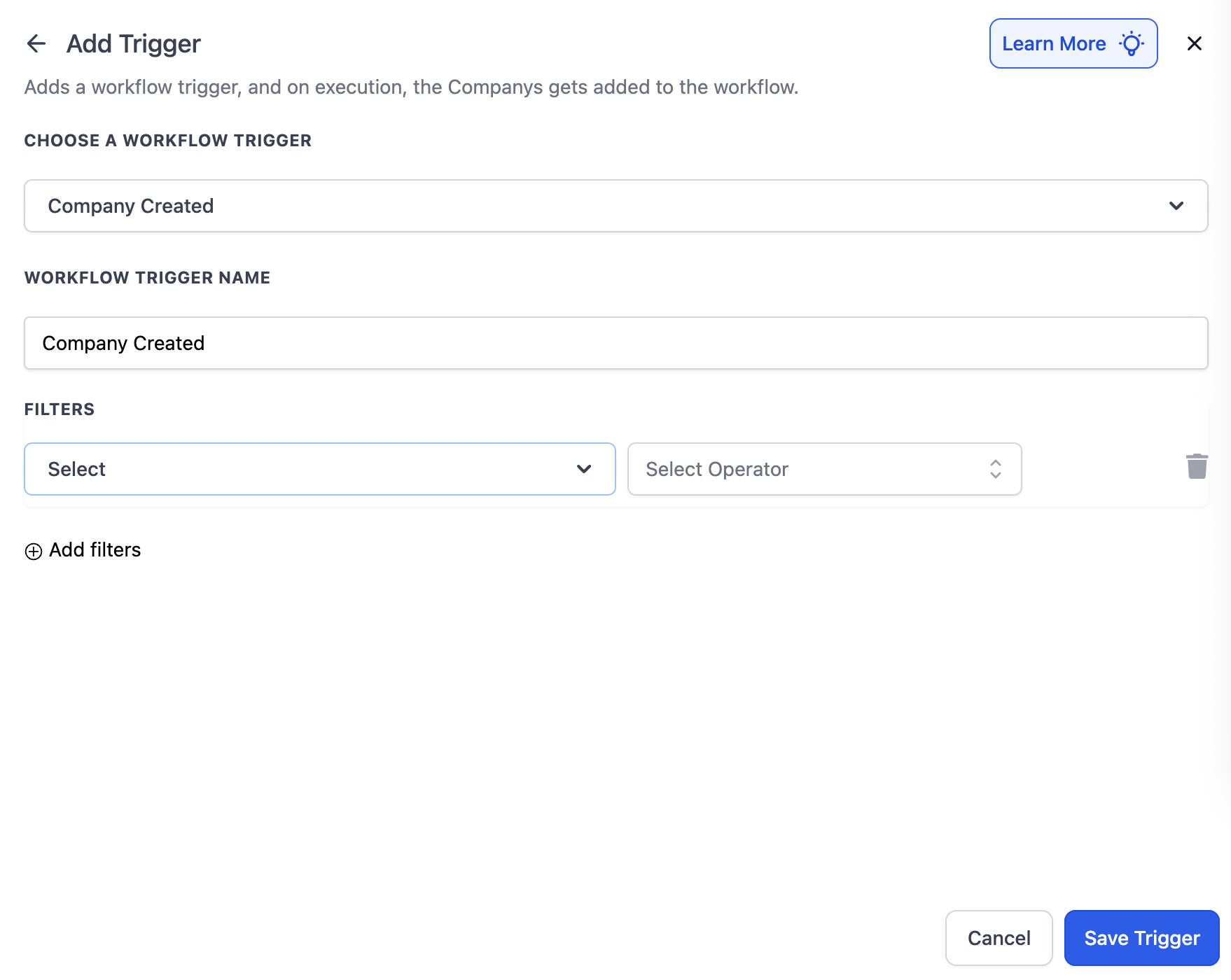
Overview The Company Created trigger starts a workflow whenever a new Company record is added to your CRM — whether it’s created manually, imported, or automatically added through forms, webhooks, or integrations. ## Trigger Name Company Created ## Trigger Description This trigger runs when: - A new Company record is created in your account. - The creation occurs through any supported method (manual entry, form submission, import, API, or webhook). You can use this trigger to automatically start workflows that onboard new companies, associate contacts, or sync data to other systems. ## How to Configure !(https://assets.patientcopilot.ai/0385521a4b413340.png) - Add the Trigger - Open your workflow editor and choose Company Created as the starting trigger. - This trigger is available only when the workflow type is Company-based. - Add Filters (Optional) - You can optionally add filters to target specific types of company creations, for example: - Industry contains “Real Estate” - Company Name contains “LLC” - Owner is not empty - Save the Trigger - Once configured, click Save Trigger. - The workflow will now automatically start whenever a new company record is created that meets your filter criteria (if any). ## Example #### Onboard New Companies AutomaticallyGoal: Start a workflow whenever a new company is added to send a welcome email Setup - Trigger: Company Created - Actions: 1. Send Email – Welcome the new company to your CRM. Flow 1. A new company is created in your CRM (via form or import). 2. Workflow starts automatically. 3. The system sends a welcome email Was this article helpful? That’s Great! Thank you for your feedback Sorry! We couldn’t be helpful Thank you for your feedback Feedback sent We appreciate your effort and will try to fix the article