
Workflow Action - Dare/Time Formatter
Overview
The Date/Time Formatter action allows you to format and compare date fields within workflows. This action helps transform or evaluate dates to better suit specific conditions or outputs.
Action Name Date/Time Formatter
Action Description
1. Format Date
- Description: This action converts a date field from one format to another within a workflow. For example, you can convert a date from “MM/DD/YYYY” to “YYYY-MM-DD” to standardize dates for consistent reporting or communication.
- Use Case: Useful when you need to ensure a uniform date format across various systems or reports.
2. Format Date and Time
- Description: This action converts both date and time fields from one format to another. This action is especially useful for timestamps that include both date and time components.
- Use Case: Great for workflows that deal with appointments or timestamps, where both date and time need to be reformatted.
3. Compare Dates
- Description: This action compares two dates and evaluates which date is earlier, later, or whether the dates are equal. This can be used to trigger actions based on whether one date is within a specific time range of another date.
- Use Case: Ideal for workflows where you want to compare registration dates with event dates or any other form of time-sensitive comparison.
Action Details
Format Date
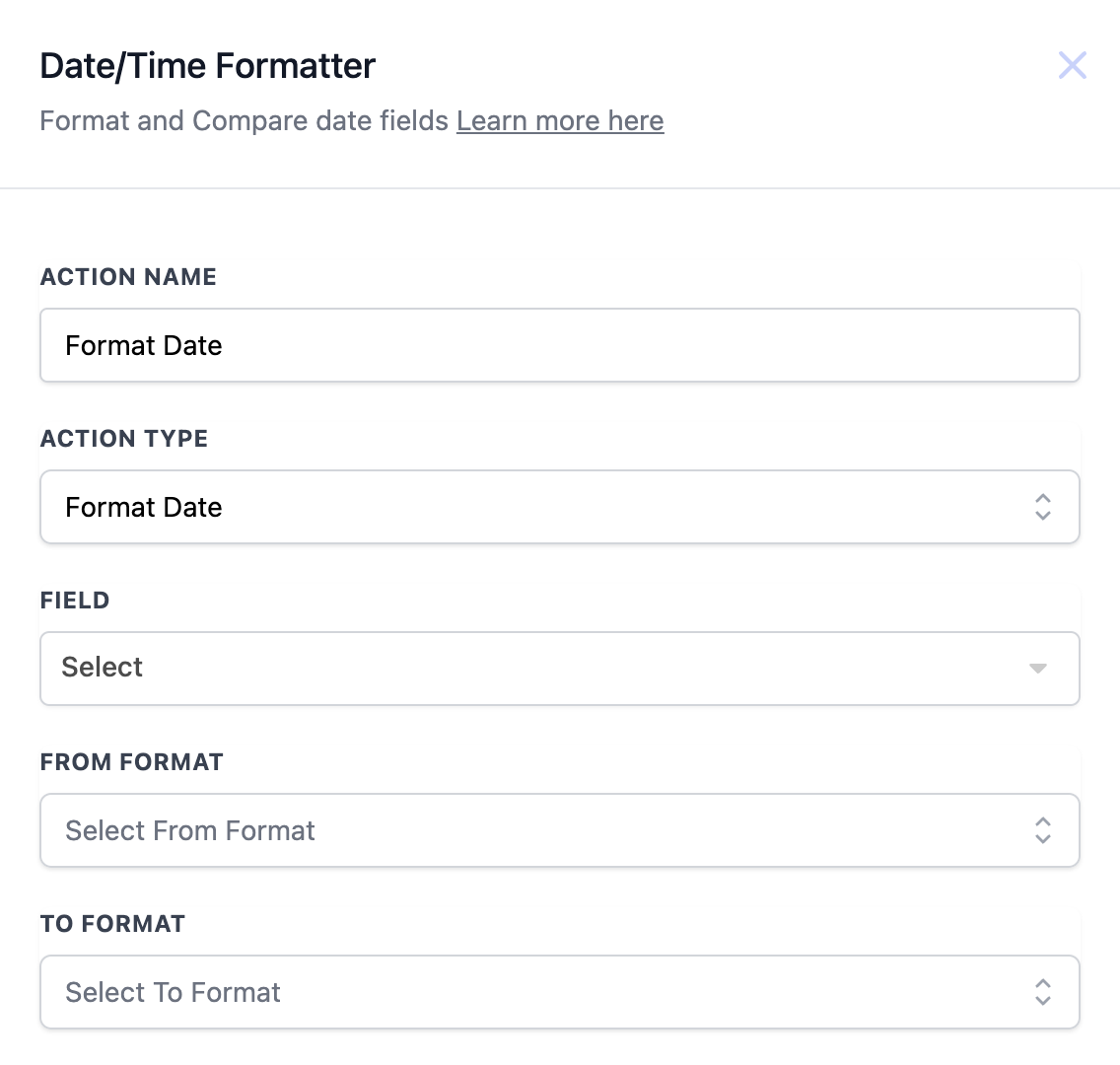
Action Details
| Field Name | Description | Mandatory |
| Action Name | The unique name you want to assign to this action. | Yes |
| Action Type | Choose the type of formatting action (Format Date, Compare Dates). | Yes |
| Field | Select the date field you want to format or compare. | Yes |
| From Format | Define the existing format of the date field. | Yes |
| To Format | Define the desired format for the date field. | Yes |
Example Workflow: -
Trigger: Form Submission
- Action: Format the date of submission to YYYY-MM-DD format for further usage in reporting. ----------------------------------------------------------------------------------------------------------------------
Format Date and Time
**
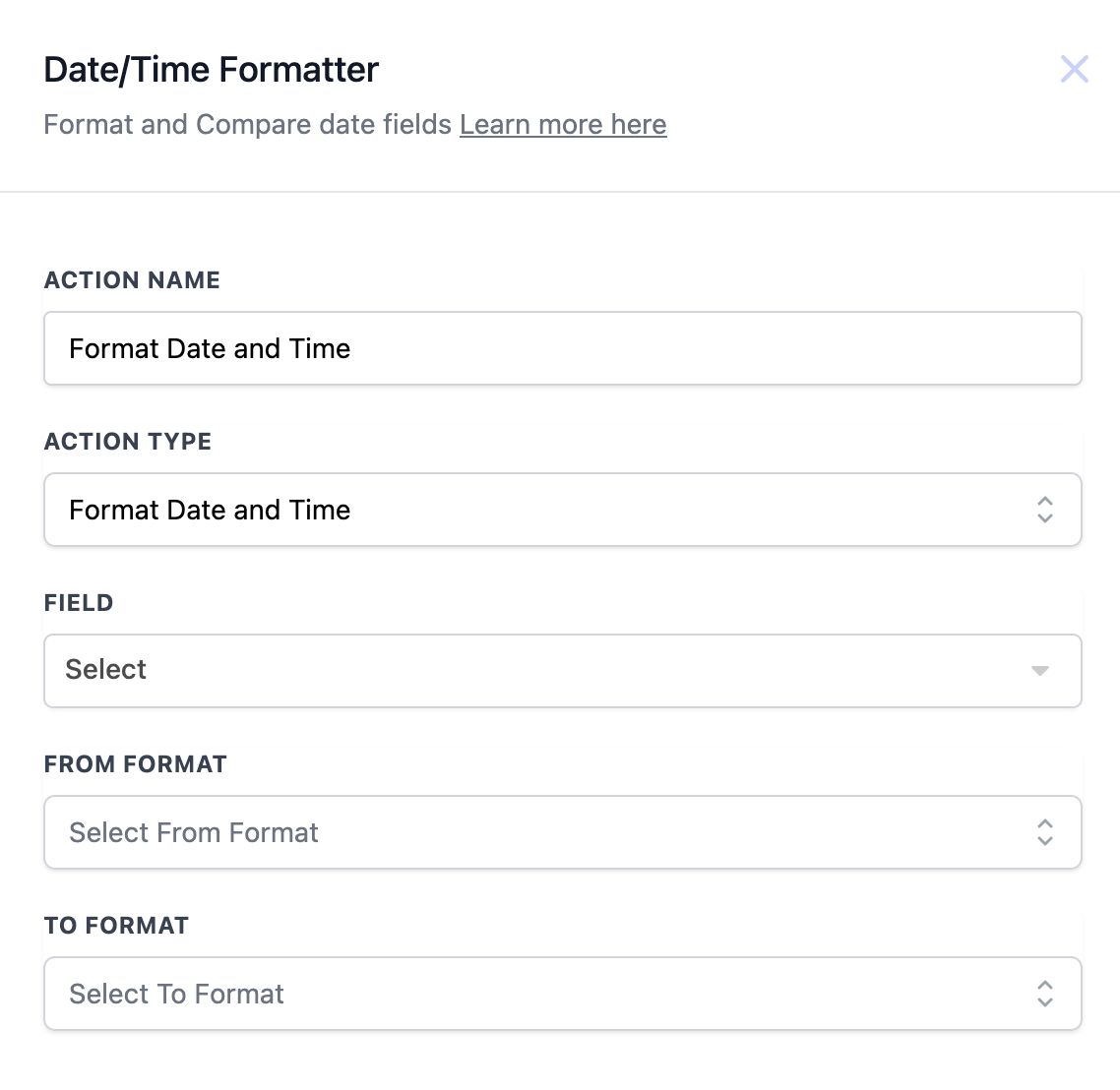
**
Action Details
| Field | Description | Mandatory |
| Action Name | The name you assign to this specific action. | Yes |
| Action Type | Selected as “Format Date and Time.” | Yes |
| Field | The field containing the date and time to be formatted. | Yes |
| From Format | The current format of the date and time (e.g., DD/MM/YYYY HH:mm). | Yes |
| To Format | The desired format for both date and time (e.g., MM-DD-YYYY HH). | Yes |
Example Workflow: -
Trigger: Appointment Created
- Action: Format the appointment date and time from Unix timestamp to readable format for notifications. ----------------------------------------------------------------------------------------------------------------------
Compare Dates **
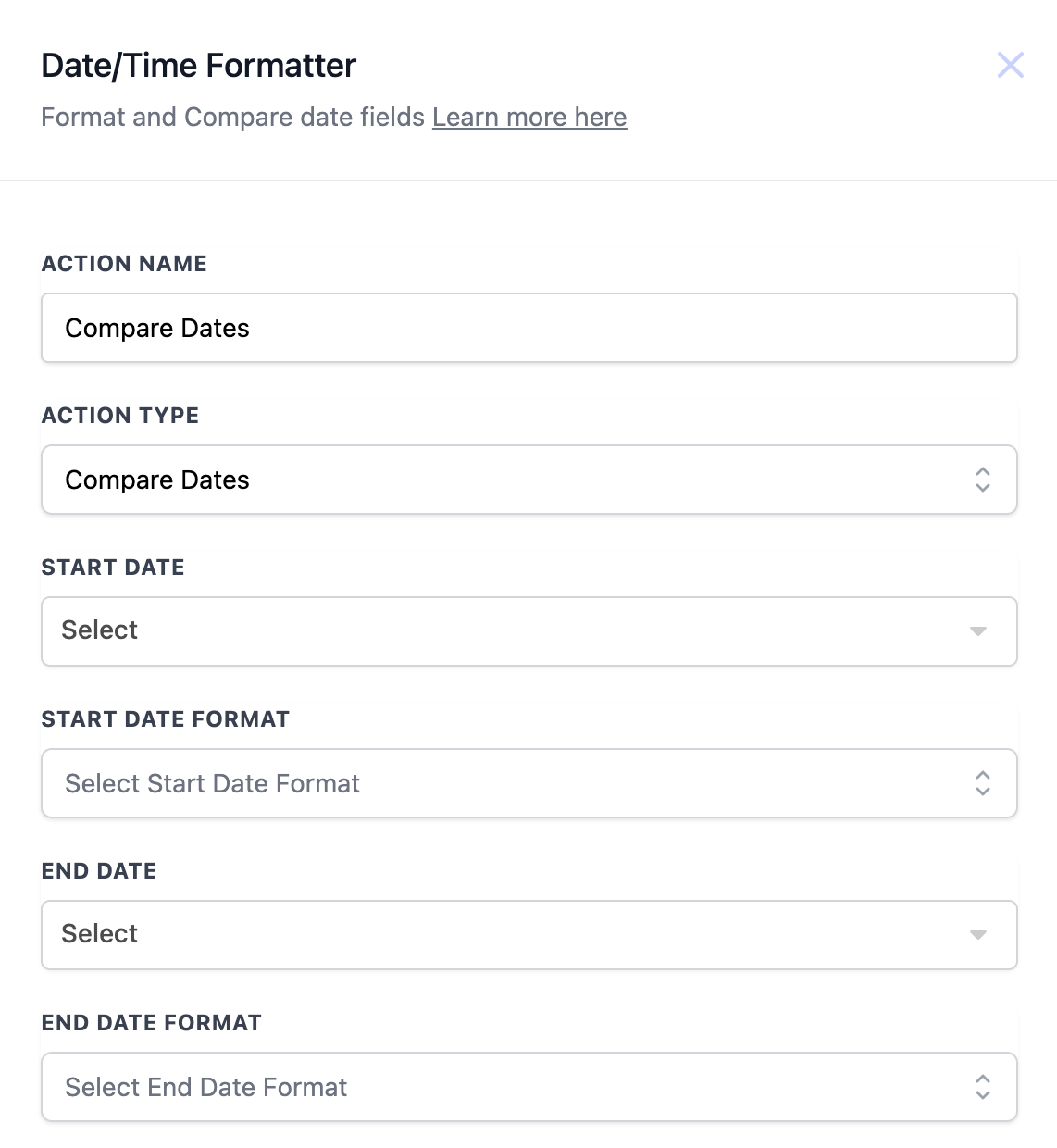
**
Action Details
| Field | Description | Mandatory |
| Action Name | The name you assign to this specific action. | Yes |
| Action Type | Selected as “Compare Dates.” | Yes |
| Start Date | The first date field you want to compare. | Yes |
| Start Date Format | The format of the first date (e.g., MM-DD-YYYY). | Yes |
| End Date | The second date field to compare. | Yes |
| End Date Format | The format of the second date (e.g., DD/MM/YYYY). | Yes |
Example Workflow: -
Trigger: Event Registration
- Action: Compare registration date with the event date to send reminders if the event is within 3 days.
Date and Time Format Supported
| Format Type | Example Output |
| YYYY-MM-DD | 45281 |
| MM-DD-YYYY | 45281 |
| MM/DD/YYYY | 45281 |
| MM/DD/YY | 45281 |
| DD-MM-YYYY | 21-12-2023 |
| DD/MM/YYYY | 21/12/2023 |
| DD/MM/YY | 21/12/23 |
| DD MMM YYYY | 45281 |
| D MMMM YYYY | 45281 |
| MMMM D, YYYY | 45281 |
| MMM DD, YYYY | 45281 |
| MMMM Do YYYY | December 21st, 2023 |
| X (Unix Timestamp) | 1703176259 |