
How to Switch Contacts and Use Custom Values in the Mobile App Calendar
What’s New
- Change contact while scheduling an appointment - You can now update the contact while you are scheduling a new appointment.
- Custom value support for custom meeting location: Custom values are now supported inside the Custom meeting location field.
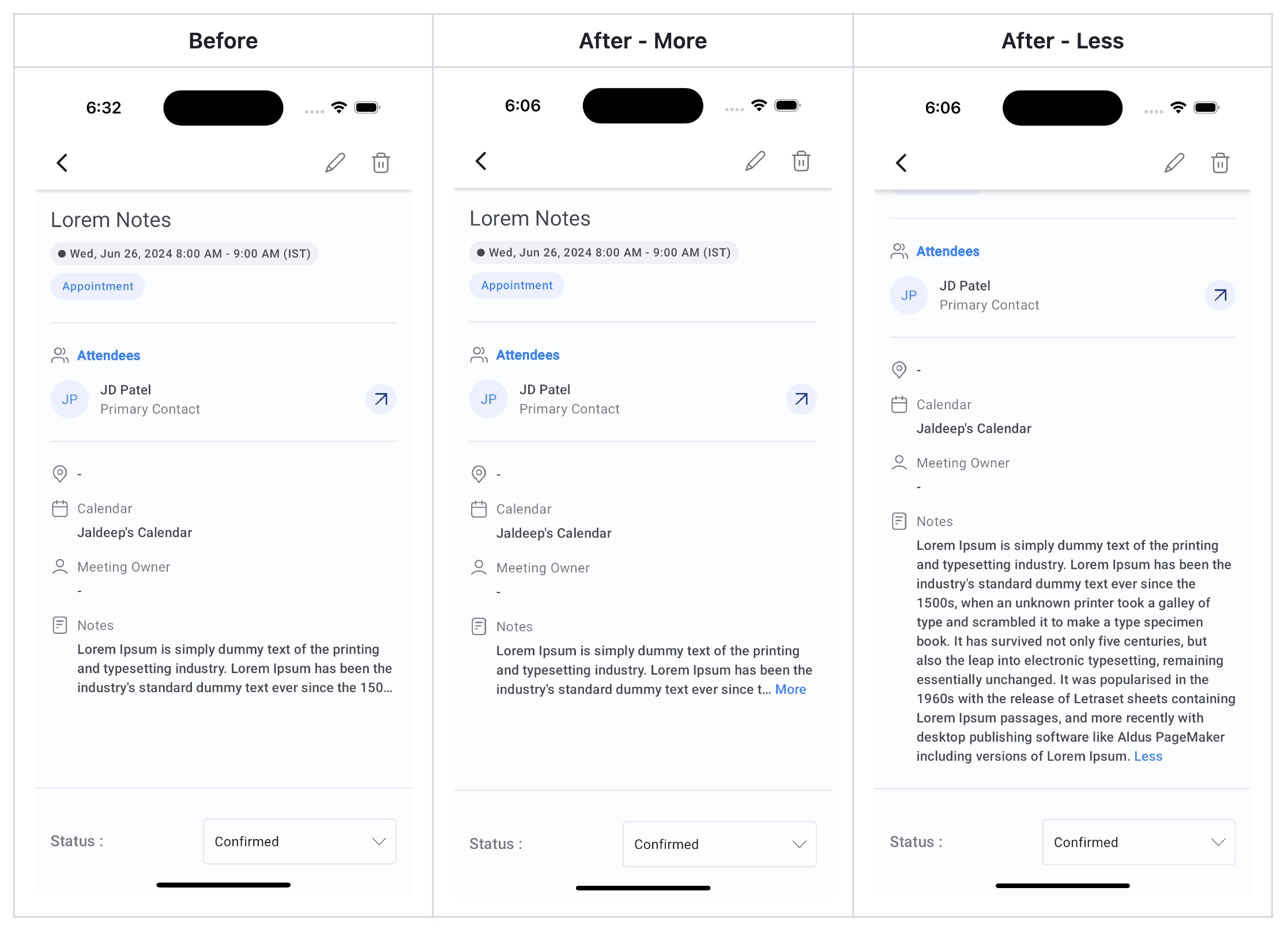
- Calendar notes improvements: Calendar notes will no longer be truncated. You can tap on “View more” to view the entire text added inside calendar notes.
Why it Matters
This update brings improvements to the calendars module, thus refining the overall experience.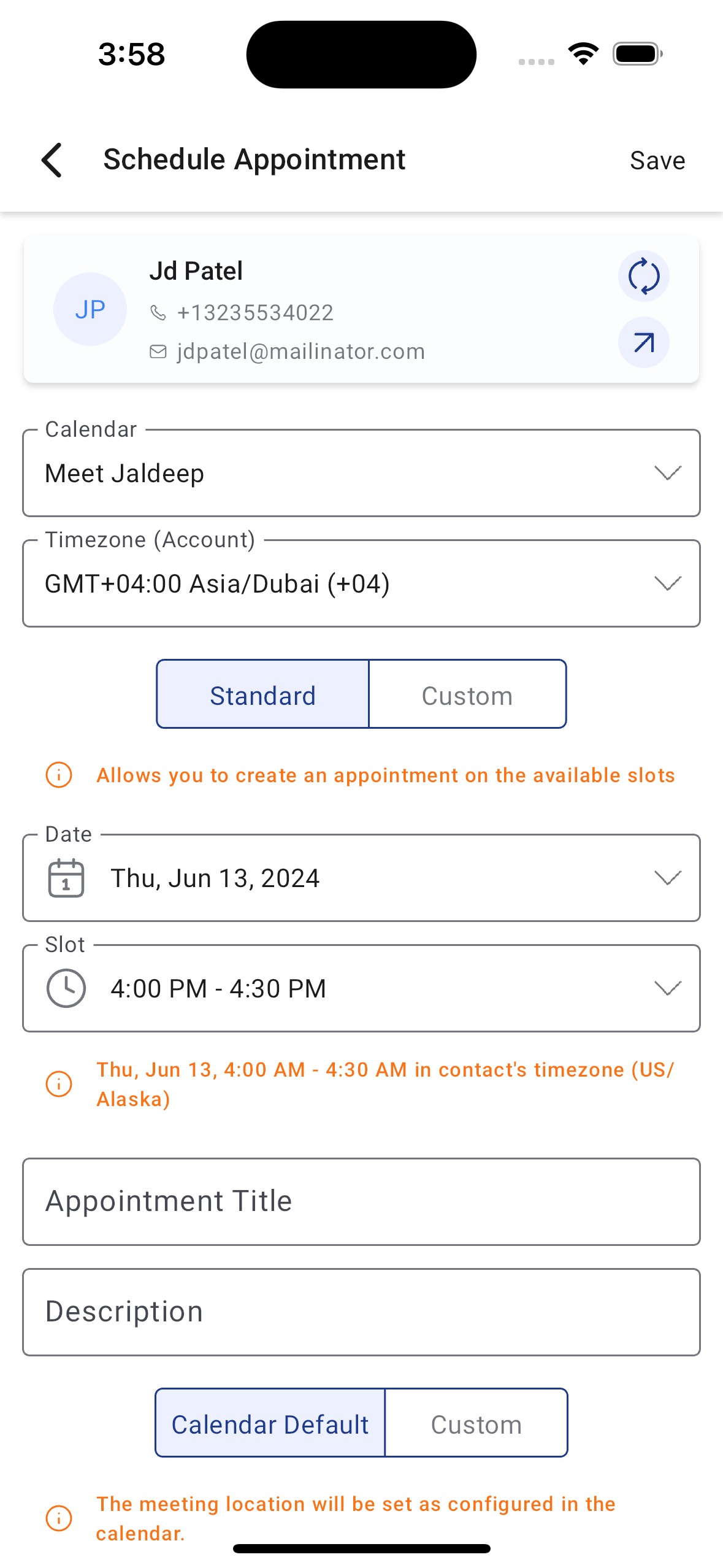
 Was this article helpful? That’s Great! Thank you for your feedback Sorry! We couldn’t be helpful Thank you for your feedback Feedback sent We appreciate your effort and will try to fix the article