
? Facebook Text Posts with Backgrounds in Social Planner
What are Facebook Text Background Posts?
Facebook Text Background Posts are native Facebook text-only posts that display with colorful backgrounds to make content more visually engaging in the feed. With this enhancement, Social Planner now allows users to:
- Create native Facebook-style background posts
- Select colorful background presets directly in the composer
- Preview posts in real time
- Schedule or publish instantly
- Manage everything without switching to Facebook
Where to Find the Feature
You can create background posts directly inside Social Planner. Navigation: Marketing → Social Planner When Facebook is selected as a publishing platform, the Text Background option becomes available.
What’s New
1. Native Facebook Background Posts
Users can now create text-only Facebook posts with native background styles directly inside Social Planner.
Supported capabilities: - Facebook-native colorful backgrounds
- Instant publishing
- Scheduled publishing
- Seamless integration into the existing composer This creates a more native publishing experience directly within Patient Copilot.
2. Background Picker Inside Composer
A new Text Background option now appears when Facebook is selected.
Inside the background picker, users can: - Browse multiple background presets
- Select preferred background styles
- See instant visual updates
- Customize posts without leaving the composer The experience mirrors Facebook’s native background post creation flow.
3. Real-Time Post Preview
The composer preview now reflects how the post will appear on Facebook.
Preview improvements include: - Live background styling updates
- Automatic font size adjustment based on text length
- Native-style Facebook layout preview
- Better visibility into final post appearance This helps users confidently design posts before publishing.
4. Smart Validation & Auto Handling
The system automatically handles Facebook background eligibility rules.
Automatic behavior includes: - Backgrounds are available only for text-only Facebook posts
- Adding images or videos disables the background option
- Editing scheduled posts with media automatically removes selected backgrounds This ensures compatibility with Facebook’s publishing requirements.
How to Create a Facebook Background Post
- Navigate to Marketing → Social Planner
- Select Facebook as the platform
- Enter text content
- Click Text Background
- Choose your preferred background preset
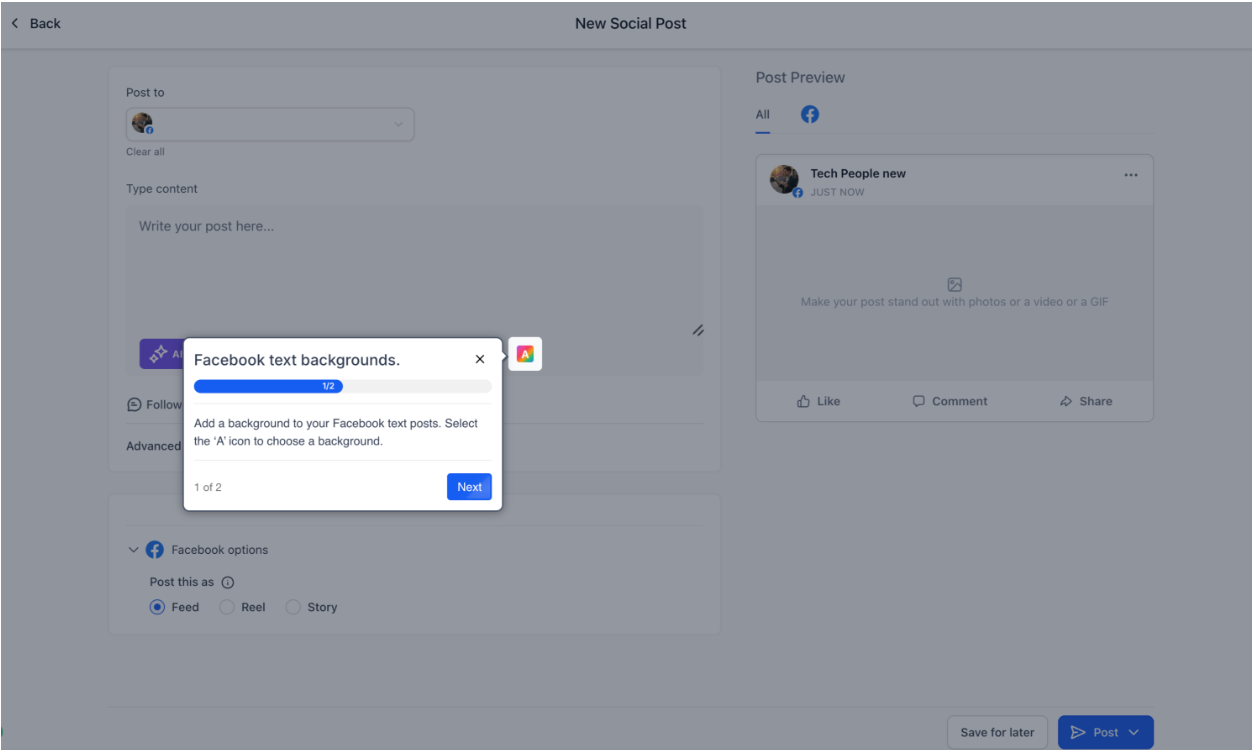
7. Preview the post in real time
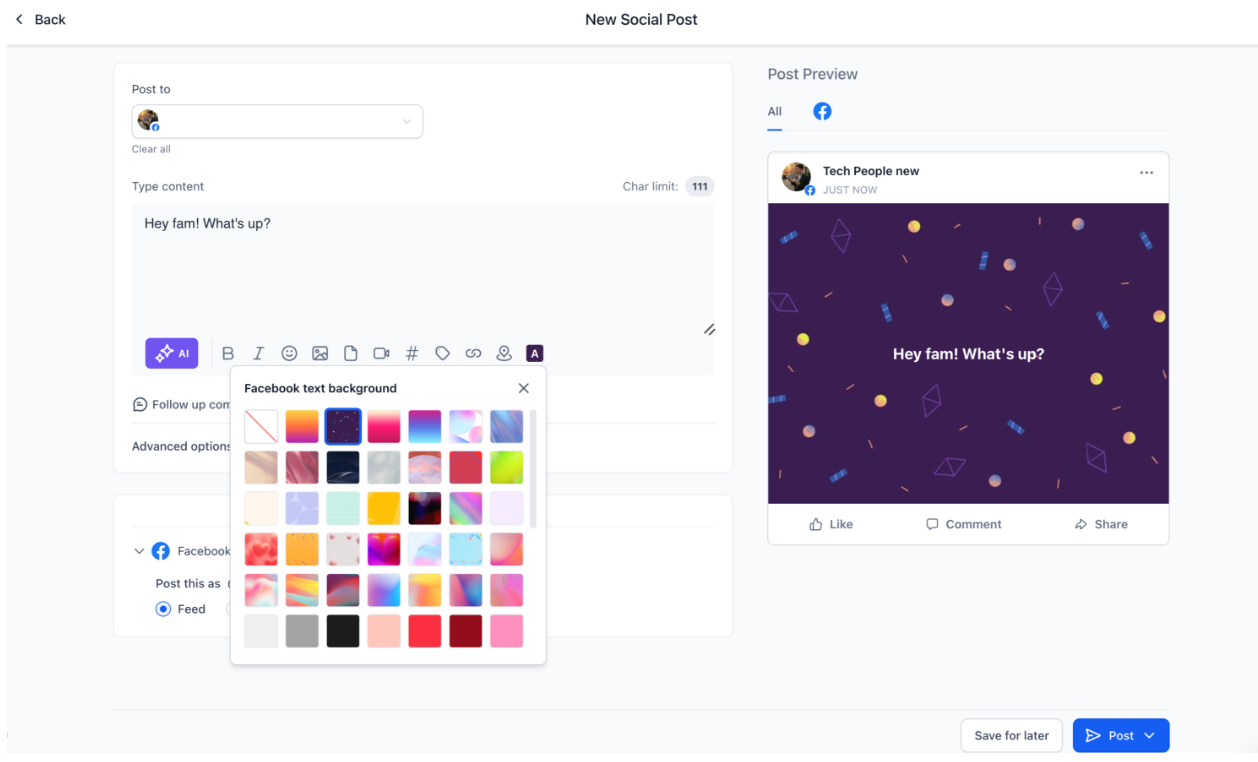
8. Click Publish Now or Schedule Post
Important Notes - Backgrounds work only for text-only Facebook posts
- Adding media disables the background feature
- Removing media re-enables background selection
- Background styling is supported only on Facebook - Character limit is 130 characters