
Workflow Trigger - Courses User Login ( Legacy Portal )
Overview
The User Login trigger is designed to initiate specific actions within a workflow when a user logs into their account in the Legacy Portal. This trigger is particularly useful for tracking user activity, sending login notifications, or triggering personalized actions based on login events.
Trigger Name User Login
Trigger Description
The User Login trigger activates a workflow whenever a user logs into their account. This can be used to automate actions such as sending a welcome back email, tracking login frequency, or triggering reminders or offers upon login.
How to Configure
To configure the User Login trigger, you simply need to set the workflow trigger name. Additional filters can be added if you want to further refine the conditions under which this workflow is triggered.
Fields and Their Properties
| Field | Description | Mandatory |
| Workflow Trigger Name | Name given to the trigger for easy identification. | Yes |
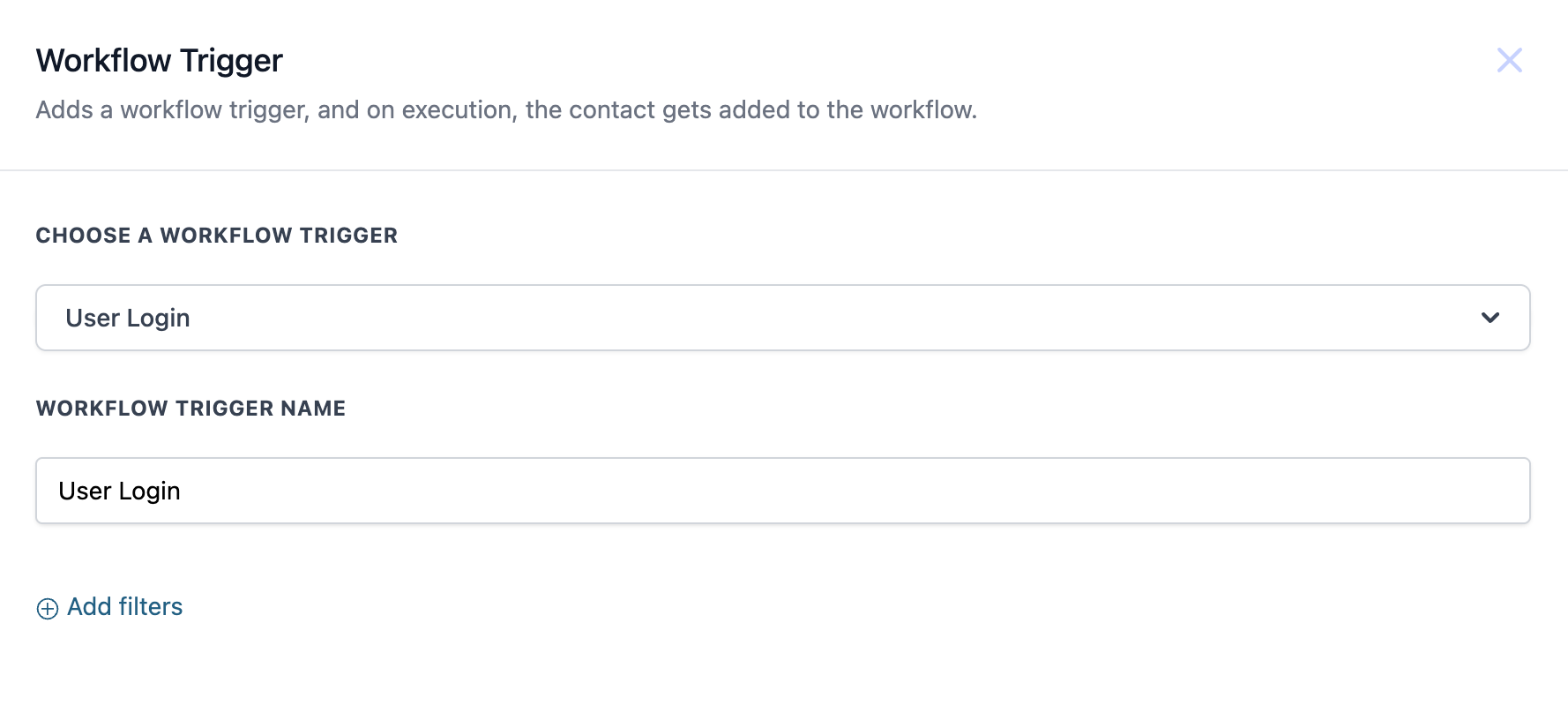
Example In this example, the workflow is set up to trigger when a user logs into their account:
- Workflow Trigger Name: Courses
User Login
Example Workflow
When a user logs into their account, the following actions could be triggered:
- Send a Welcome Back Email: Automatically send a personalized email welcoming the user back to their account.
- Trigger a Personalized Offer: If the user hasn’t logged in for a certain period, automatically trigger a special offer or reminder. This configuration ensures that the workflow activates every time a user logs in, allowing for real-time engagement and personalized communication. Was this article helpful? That’s Great! Thank you for your feedback Sorry! We couldn’t be helpful Thank you for your feedback Feedback sent We appreciate your effort and will try to fix the article