
Conversation AI Post-Appointment Booking Actions
We are thrilled to introduce a significant enhancement to our Conversation AI platform—Sub-Account Appointment Booking Intent. This powerful feature allows users to effortlessly configure post-appointment booking actions, elevating the overall user experience.
Solution:
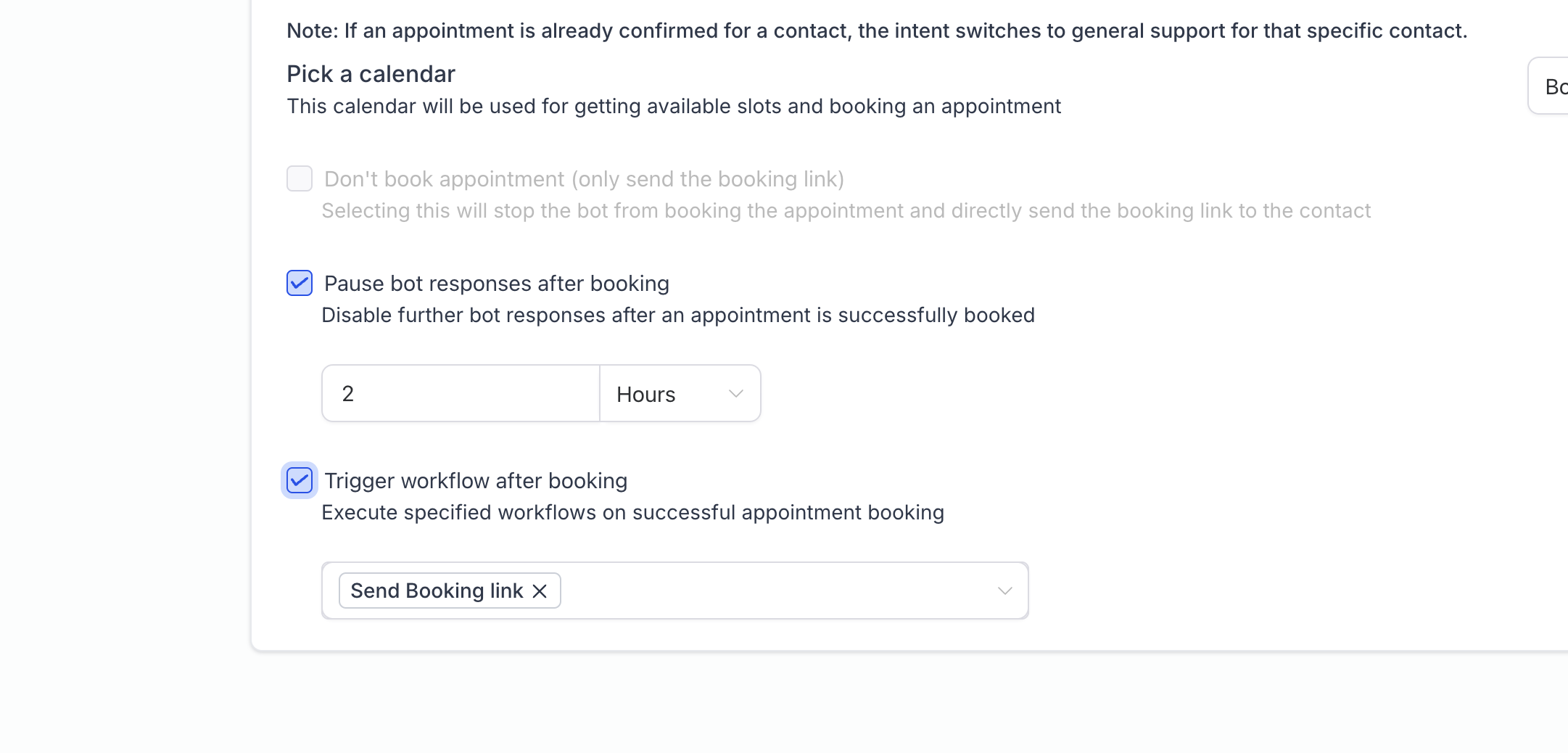
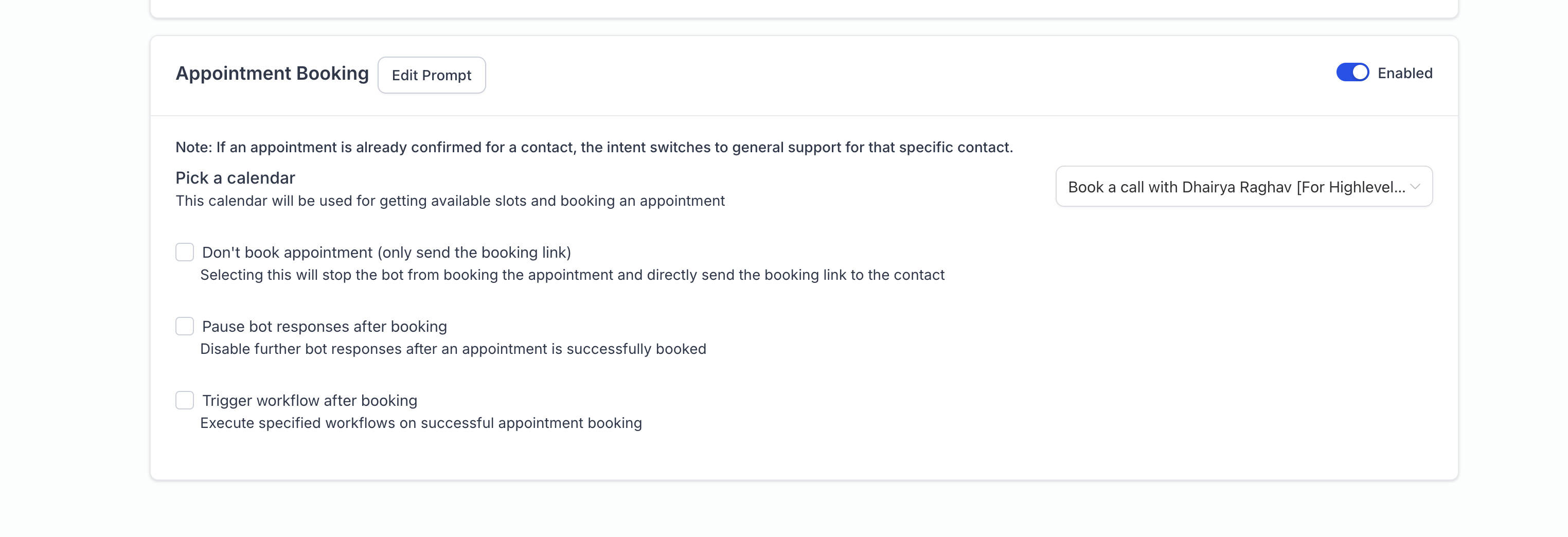
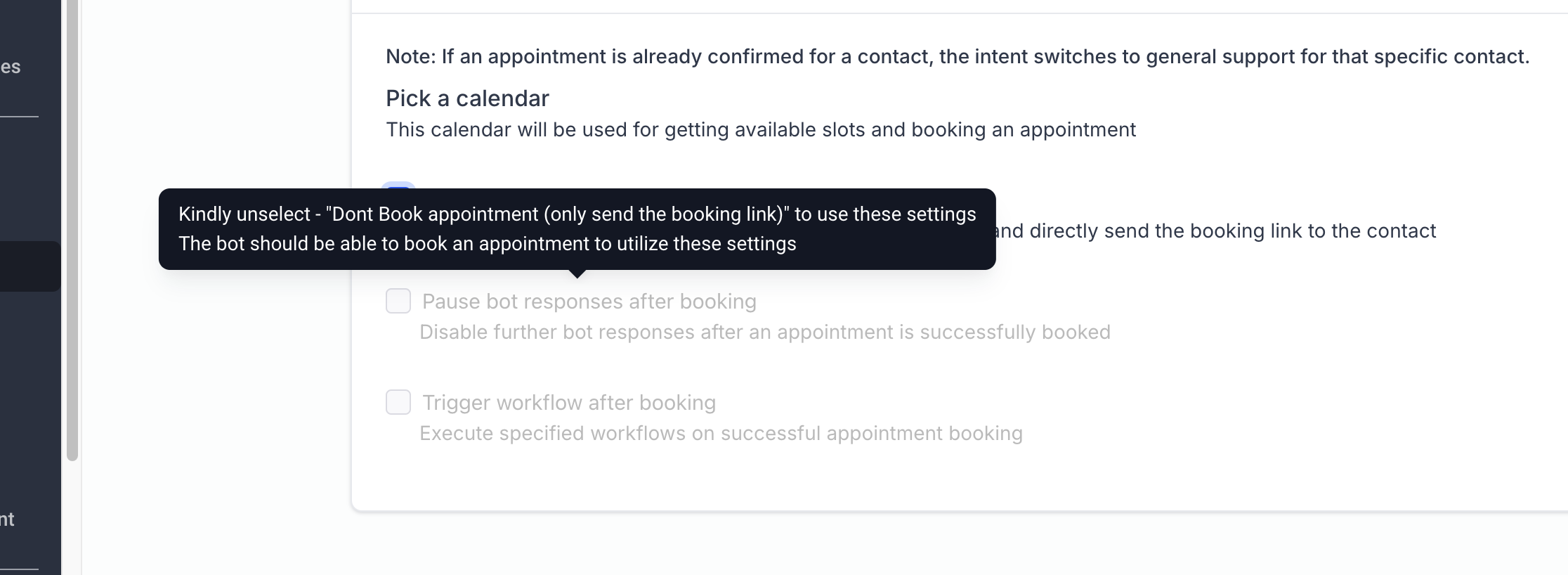
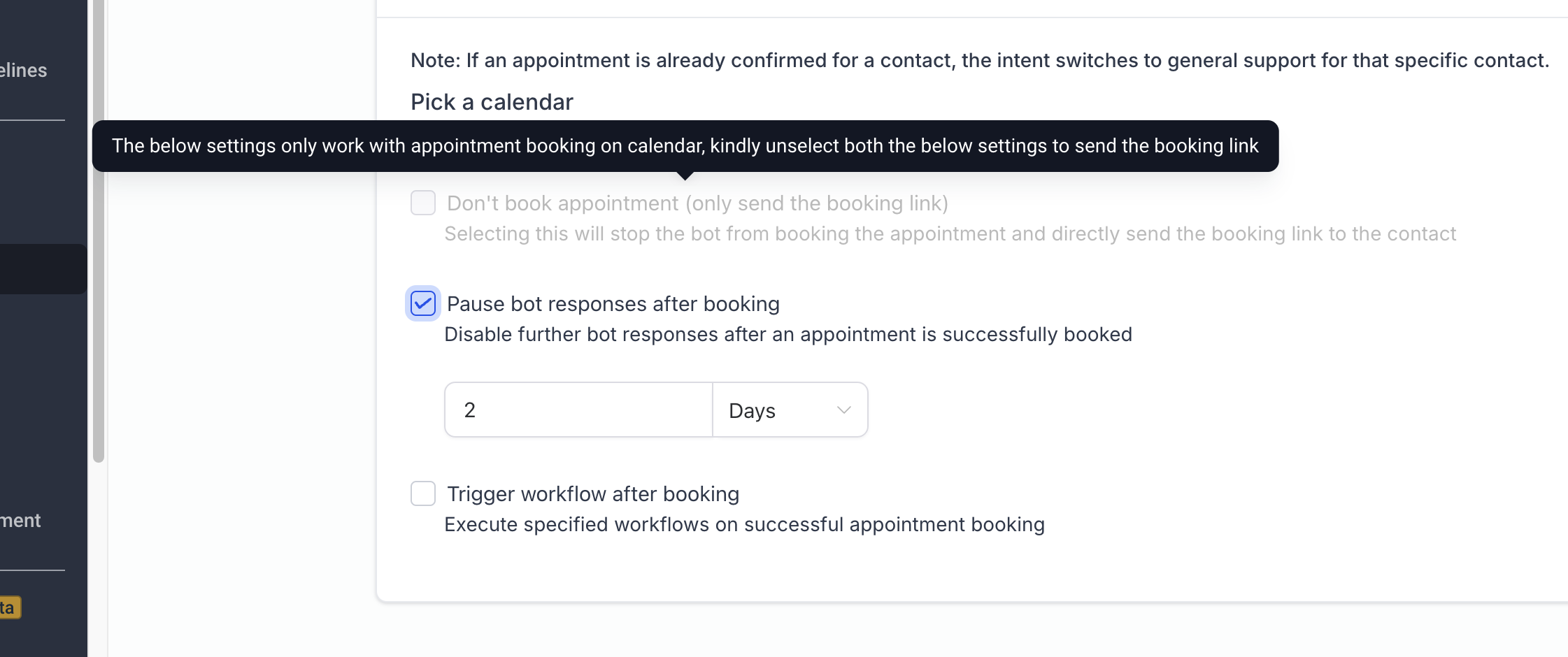
- To address these requests, we have added two new settings within the Appointment Booking configuration: Key Features: 1. Put the Bot to Sleep: Users can now opt to put the bot to sleep after an appointment is booked. This feature allows the user to specify the duration for which the bot will remain inactive, ensuring that no further automated responses are sent during this period.
- Trigger Workflows: In addition to the sleep feature, users can also choose to trigger one or more workflows once an appointment is booked. A dropdown menu provides the flexibility to select and configure multiple workflows that will be automatically initiated after the booking.
Note: Both settings can be enabled simultaneously, offering a highly customisable experience tailored to each user’s specific needs.
Was this article helpful? That’s Great! Thank you for your feedback Sorry! We couldn’t be helpful Thank you for your feedback Feedback sent We appreciate your effort and will try to fix the article